
Brivo access control is one of the most talked-about cloud-based platforms in commercial security right now, and for good reason. It gives businesses the ability to manage door access, monitor entry points, and integrate with existing security hardware from a single dashboard, all without relying on on-premise servers or legacy software. For facility managers and IT directors running commercial properties in Southwest Florida, that kind of centralized control matters.
But deciding whether Brivo is the right fit takes more than reading a product page. You need to understand what the platform actually does, what it costs, how real users feel about it, and what’s involved in getting it installed. That’s exactly what this guide covers, features, pricing, reviews, and setup, all based on what’s current in 2026.
What Brivo access control is and how it works
Brivo is a cloud-based access control platform built for commercial environments. Instead of storing access rules on a local server, Brivo pushes all management to the cloud, so you can view door activity, add users, and adjust permissions from any internet-connected device. The system was designed to replace traditional key card setups that require on-site hardware and manual administration.
The cloud-based model explained
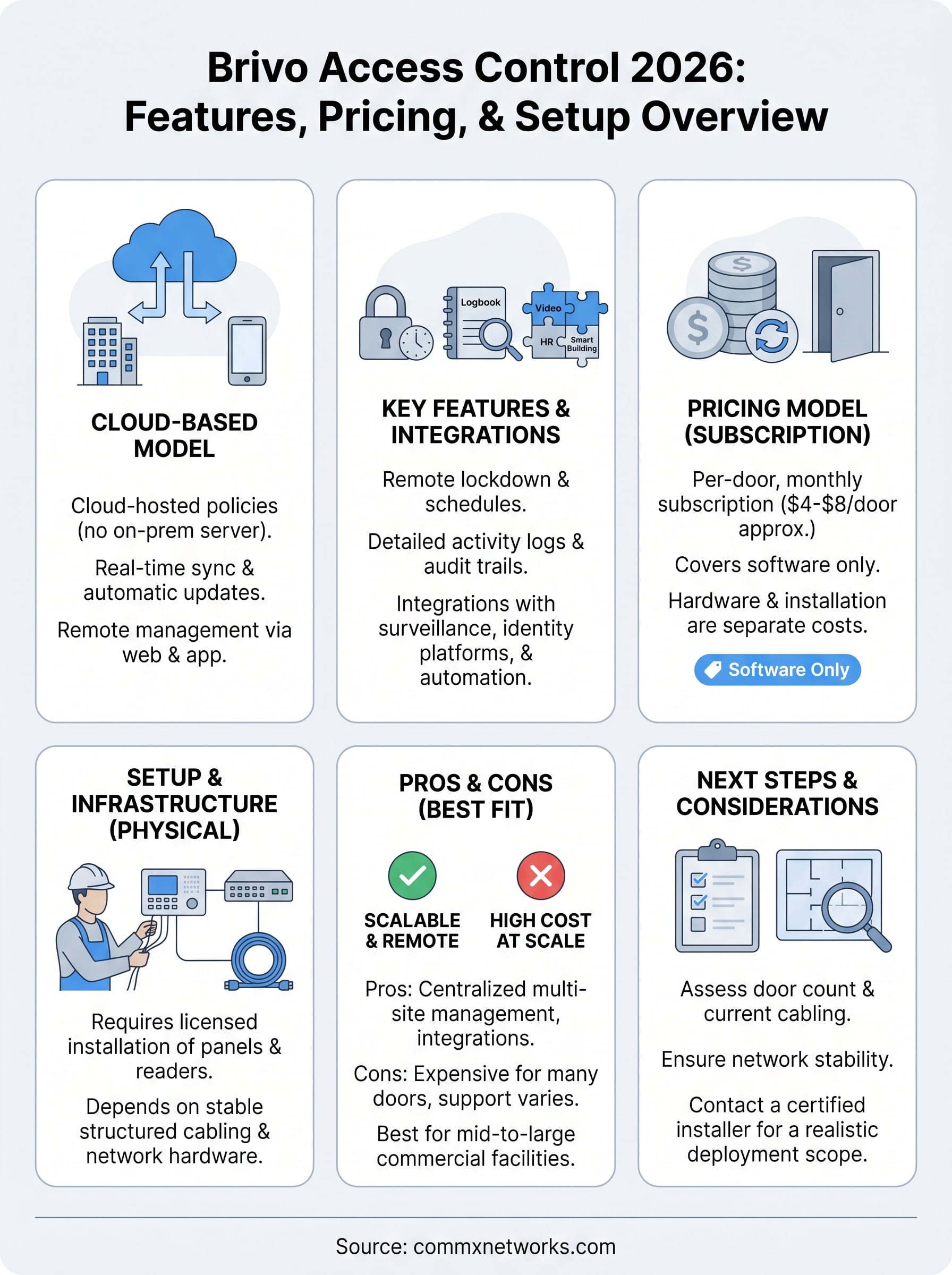
With Brivo, your access control policies live in the cloud rather than on a dedicated on-premise server. You log into the Brivo dashboard through a web browser or the mobile app, and any changes sync to your door hardware in real time. This removes the need for IT staff to be physically present to manage access, which matters when you’re overseeing multiple locations or large commercial facilities.
Cloud-hosted access management also means software updates happen automatically, without requiring a technician on-site or a scheduled maintenance window.
Software updates, user management, and audit logs all stay current without manual intervention on your end, which reduces the ongoing administrative burden for facility managers running busy properties.
How the hardware connects
Brivo access control works through a combination of cloud software and physical control panels installed at each entry point. Those panels connect to your local network and communicate with the Brivo cloud through a secure internet connection. Credentials are validated in real time against the rules you’ve set in the platform. Your underlying network, including structured cabling and access points, has to be built correctly for the system to perform reliably at scale.
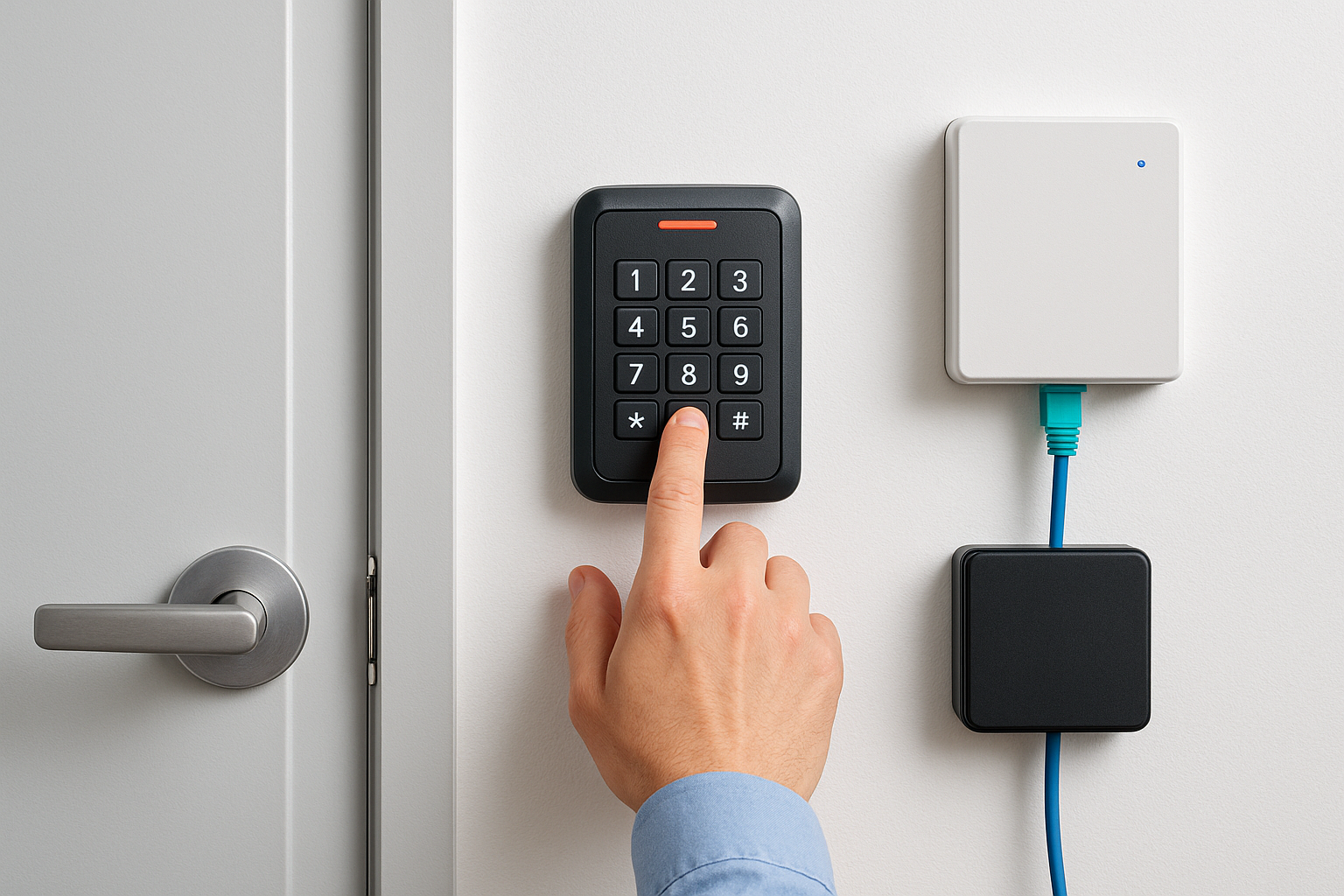
Brivo supports multiple credential types, including:
- Mobile credentials through the Brivo app
- Key fobs and smart cards for traditional reader setups
- PIN codes for keypad-equipped entry points
Key features and integrations to know
Brivo access control packages several tools that go beyond basic door locking. The platform gives you real-time activity logs, remote lockdown capability, and video intercom support, all from a single web dashboard or mobile app. Understanding these features helps you assess whether Brivo fits your facility’s day-to-day security requirements.
Access management and monitoring tools
The core management layer lets you control which users can access which doors, and when. You can set time-based schedules that restrict entry to business hours, create temporary credentials for contractors or visitors, and instantly revoke access without touching any hardware on-site. Brivo also generates detailed audit trails, so you always know who entered a space and at what time.
Instant remote revocation is one of the most practical advantages for facility managers running properties with high staff turnover.
Third-party integrations
Brivo connects with a range of business platforms your team may already use. Key integrations include:
- Video surveillance systems like Milestone and Genetec
- HR and identity platforms including Active Directory and Okta
- Smart building tools for HVAC and lighting automation
These integrations let your security and operations systems share data without requiring manual updates between platforms, which reduces administrative work across your team.
Pricing, licensing, and total cost factors
Brivo does not publish a fixed price list, and that’s intentional. Brivo access control uses a per-door, subscription-based licensing model, which means your monthly cost scales with the number of entry points you’re managing. For businesses with large commercial facilities, that pricing structure can add up faster than expected if you don’t account for it during planning.
Per-door subscription costs
Brivo licenses its software on a per-door, per-month basis. Pricing typically starts around $4 to $8 per door monthly, though exact rates depend on your contract length and feature tier. Larger deployments often qualify for volume discounts, so it’s worth negotiating directly with a Brivo reseller rather than accepting a standard quote.
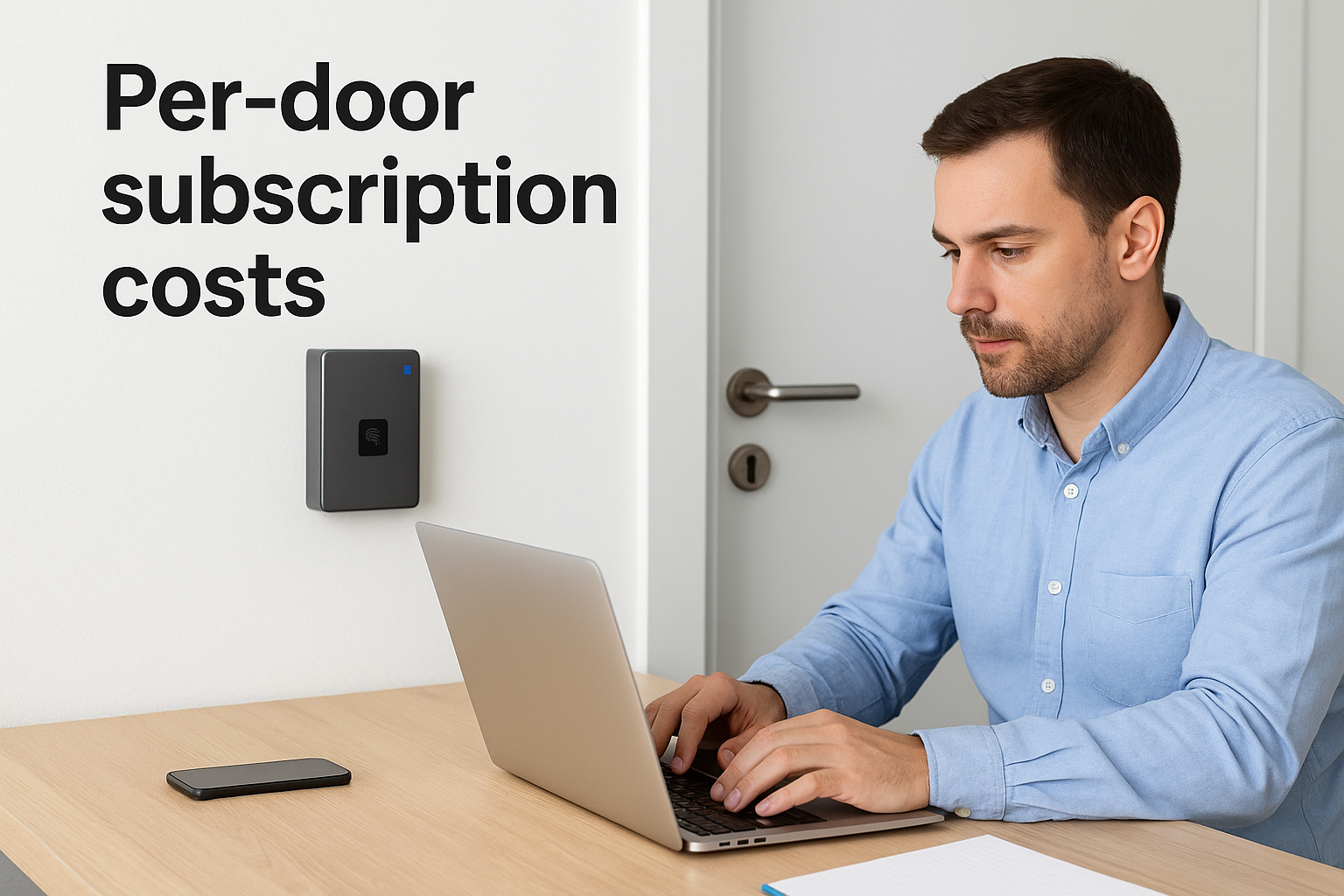
The subscription cost covers software access only, not the physical hardware or professional installation you’ll need on-site.
Hardware and installation expenses
Your total cost of ownership goes beyond the software license. You also need to budget for control panels, card readers, and cabling infrastructure at each entry point. Hardware costs vary depending on the number of doors, credential types, and whether your existing cabling supports the system. A licensed installer can walk you through what your specific facility will require before you commit to a deployment scope.
Setup, administration, and remote access
Getting Brivo access control running in your facility is not a plug-and-play process. The physical installation requires a licensed technician to mount control panels, door readers, and power supplies, then connect them to your structured cabling and local network. Once the hardware is in place, your Brivo account is provisioned and the system starts pulling policy rules from the cloud.
What installation involves
Your network infrastructure has to be stable and properly cabled before any cloud-based access platform can perform reliably. Brivo’s control panels require a consistent connection to your LAN, which means switches, patch panels, and cabling runs all need to meet commercial standards. Cutting corners on the physical layer leads to dropped connections and access failures at the door.
A qualified installer will test each door panel’s network connectivity before commissioning the system, not after.
Managing users and access remotely
Once Brivo is live, your day-to-day administration happens entirely through the web dashboard or mobile app. You can add new users, assign door groups, adjust schedules, and pull entry logs from any location without being on-site. For facility managers overseeing multiple buildings or a large commercial campus, that remote capability reduces the time your team spends handling routine credential management in person.
Pros, cons, and best-fit scenarios
Brivo access control has a clear set of strengths, but it’s not the right fit for every facility. Understanding where the platform excels and where it struggles helps you make a more informed decision before committing to a deployment.
Where Brivo performs well
Brivo’s biggest advantages are remote management and scalability. If you operate across multiple locations or manage a facility with frequent staff changes, the ability to add, remove, and adjust credentials from anywhere saves your team significant time. The third-party integrations with HR and video platforms also reduce the administrative overhead that comes with running separate systems.
Multi-site operators consistently report that centralized cloud management is the feature that justifies Brivo’s recurring subscription cost.
Where Brivo falls short
The per-door subscription model becomes expensive at scale, especially for warehouses or industrial facilities with dozens of entry points. Some users also report that customer support response times can vary depending on your service tier, which is worth factoring in before you sign a contract.
Best-fit scenarios
Brivo works best for mid-to-large commercial facilities that need centralized, remote access management across multiple entry points or buildings. It’s less ideal for small offices with only a few doors where a simpler, lower-cost system would cover the same requirements.
What to do next
If Brivo access control fits the requirements you identified while reading this guide, your next step is to get a realistic picture of what deployment looks like for your specific facility. That means knowing your door count, your current cabling infrastructure, and whether your local network can support the control panels without reliability issues. Skipping that assessment upfront leads to cost overruns and performance problems once the system is live.
The physical infrastructure underneath your access control platform matters as much as the software you choose. Brivo depends on properly installed structured cabling, working network hardware, and correct panel wiring to function the way it’s designed to. If your facility’s cabling is outdated or incomplete, fix that first before committing to any cloud-based platform. CommX Networks doesn’t sell or install access control systems. If your Southwest Florida facility needs structured cabling, network infrastructure or commercial security cameras, call (239) 322-6340 or contact our team for a site assessment.