
Every cable drop, switch port, and network connection inside a commercial building operates under a shared set of rules. The IEEE 802.3 Ethernet standard is that rulebook, it defines how data moves across wired networks, from the physical copper and fiber cabling up through the way devices communicate on a local network. Without it, the structured cabling and network infrastructure that businesses depend on would have no common framework to ensure compatibility, speed, or reliability.
At CommX Networks, we design and install commercial network infrastructure across Southwest Florida, and every system we build is rooted in these standards. Understanding IEEE 802.3 matters whether you’re planning a new facility buildout or upgrading an aging office network, it directly affects cable selection, speed capabilities, and Power over Ethernet (PoE) support.
This article breaks down what IEEE 802.3 actually covers: its role in the OSI model, the major sub-standards you’ll encounter in commercial environments, and how each version translates to real-world performance on your network.
Why IEEE 802.3 still matters for businesses
The IEEE 802.3 Ethernet standard isn’t a background detail that only network engineers need to track. It directly shapes the infrastructure decisions you make for your facility, from which cable categories you specify during a buildout to whether your IP cameras and VoIP phones can draw power from a switch without a separate power supply. Every structured cabling system installed in a commercial environment traces its performance ceiling back to this standard.
The version of 802.3 your infrastructure is built to determines the speed and capability headroom available for the next decade of growth.
Hardware compatibility across vendors
One of the standard’s most practical benefits is vendor interoperability. Because IEEE 802.3 defines exact electrical and signaling requirements, a switch from one manufacturer connects cleanly to a cable plant or network interface card from another. You aren’t locked into a single vendor’s ecosystem, which keeps your procurement options open and your costs competitive over the life of the system.
Your patch panels, switches, access points, and end devices all speak the same language because 802.3 enforces a shared specification. Without that, you’d spend time troubleshooting compatibility problems that the standard eliminates before they start.
Planning for speed and PoE requirements
As your business scales, the cabling infrastructure you install today either supports that growth or limits it. Selecting the right 802.3 sub-standard at the design phase means your Cat6A or fiber runs can handle higher speeds later without a full re-pull. This matters especially in warehouses and large commercial facilities where re-cabling is expensive and disruptive to operations.
Power over Ethernet requirements are equally tied to the standard, since different 802.3 amendments define specific power budgets for connected devices. Understanding which amendment applies helps you spec the right switches and cabling from the start rather than discovering gaps after installation.
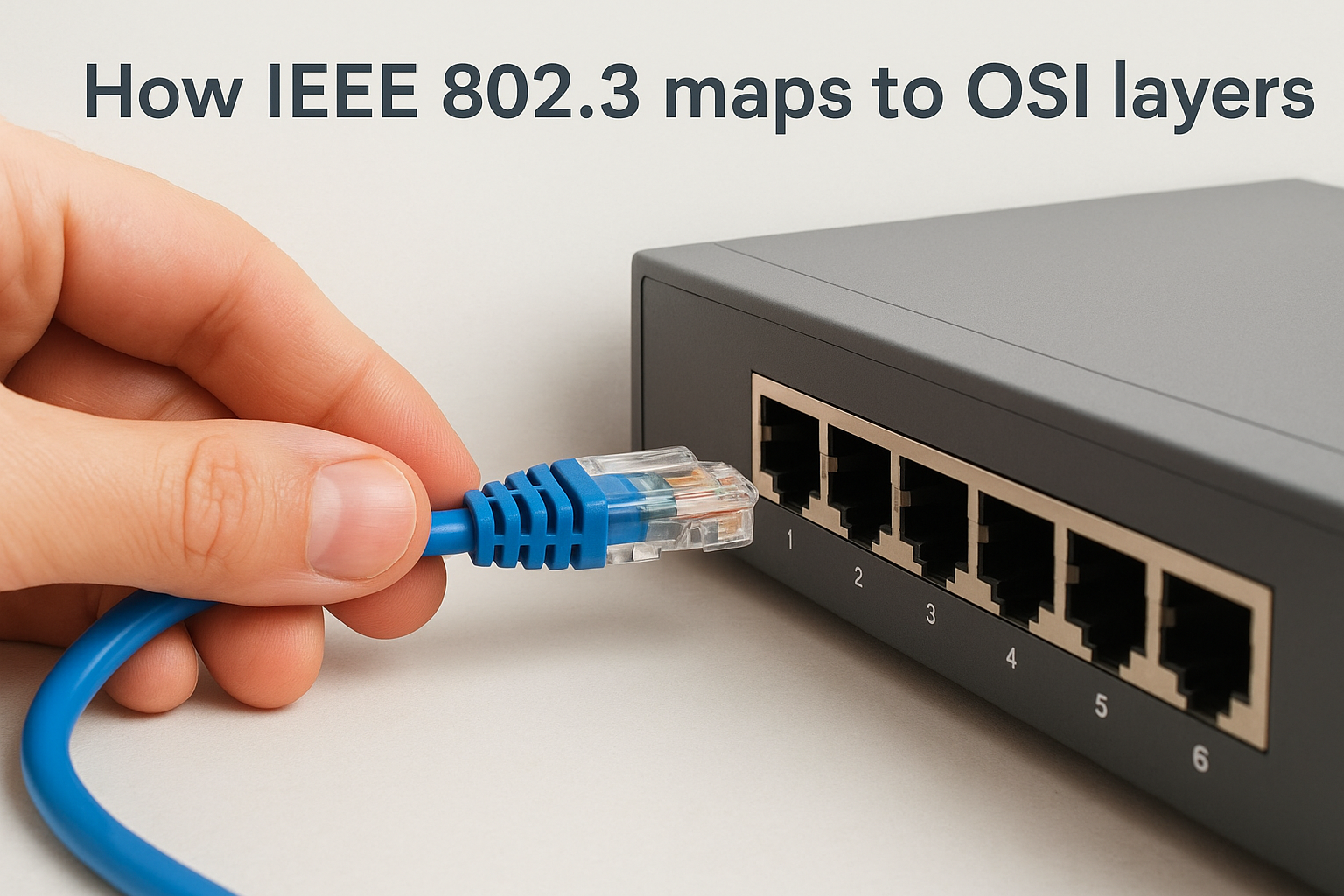
How IEEE 802.3 maps to OSI layers
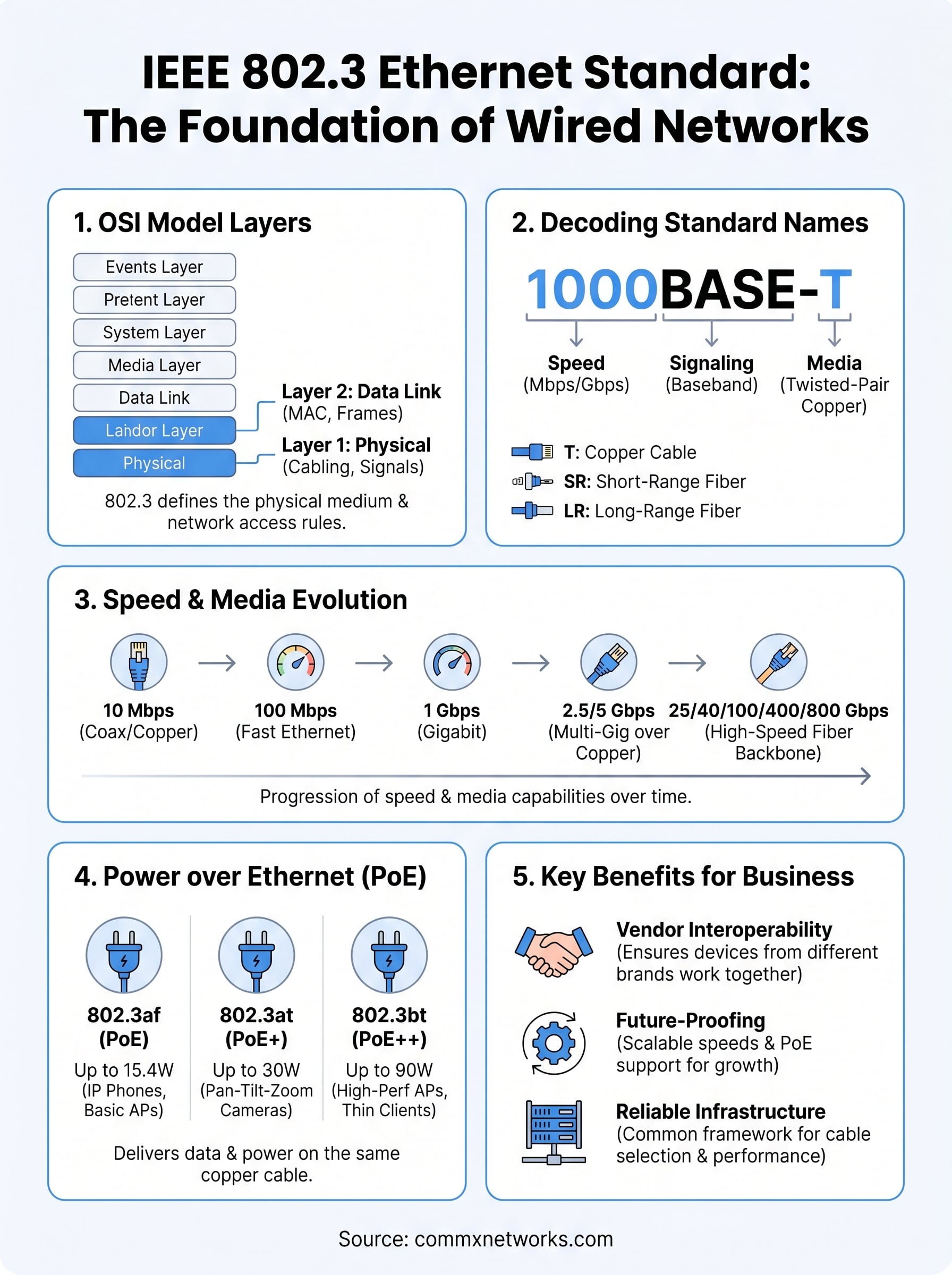
The OSI model breaks networking into seven distinct layers, and the IEEE 802.3 Ethernet standard occupies the bottom two: the Physical Layer (Layer 1) and the Data Link Layer (Layer 2). Understanding where 802.3 sits tells you exactly what the standard controls and what it leaves to other protocols above it.
Physical Layer
Layer 1 defines the actual transmission medium, whether that’s copper twisted-pair cable, fiber optic runs, or coaxial cable. IEEE 802.3 specifies the electrical signals, optical pulses, connector types, and cable specifications required for each media variant. When you select Cat6A over Cat5e for a high-speed deployment, you’re making a Layer 1 decision rooted directly in 802.3 specifications.
The Physical Layer is where your cable selection, connector standards, and transmission distances are locked in, so decisions made here affect every device on the network.
Data Link Layer
Layer 2 is where 802.3 defines the MAC (Media Access Control) sublayer, which handles how devices address each other and share access to the network medium. This layer manages frame formatting, error detection, and flow control between directly connected devices.
Your switches operate primarily at Layer 2, reading MAC addresses to forward frames efficiently across your network infrastructure.
How to read Ethernet standard names like 1000BASE-T
Each Ethernet standard name follows a structured naming convention that tells you the speed, signaling method, and media type at a glance. Once you understand the pattern, you can decode any variant within the ieee 802.3 ethernet standard without needing to look it up, which makes evaluating hardware specs and cable requirements much faster.
The name itself is a compressed specification summary, so reading it correctly helps you match the right cable plant and hardware before installation starts.
Breaking down the naming format
The naming format splits into three clear parts: speed, signaling type, and media designation. Take 1000BASE-T as an example. The "1000" represents the data rate in megabits per second (1,000 Mbps equals 1 Gbps). "BASE" indicates baseband signaling, meaning the entire cable carries a single Ethernet signal with no frequency division. The "T" identifies the transmission medium, in this case unshielded twisted-pair copper cabling.
Other common media designations follow the same logic:
- T: Twisted-pair copper (Cat5e, Cat6, Cat6A)
- SR: Short-range fiber optic
- LR: Long-range fiber optic
- X: Encoded or mixed signaling
Knowing this pattern helps you quickly evaluate whether a specific cable type or fiber run in your facility supports the Ethernet variant your equipment actually requires.
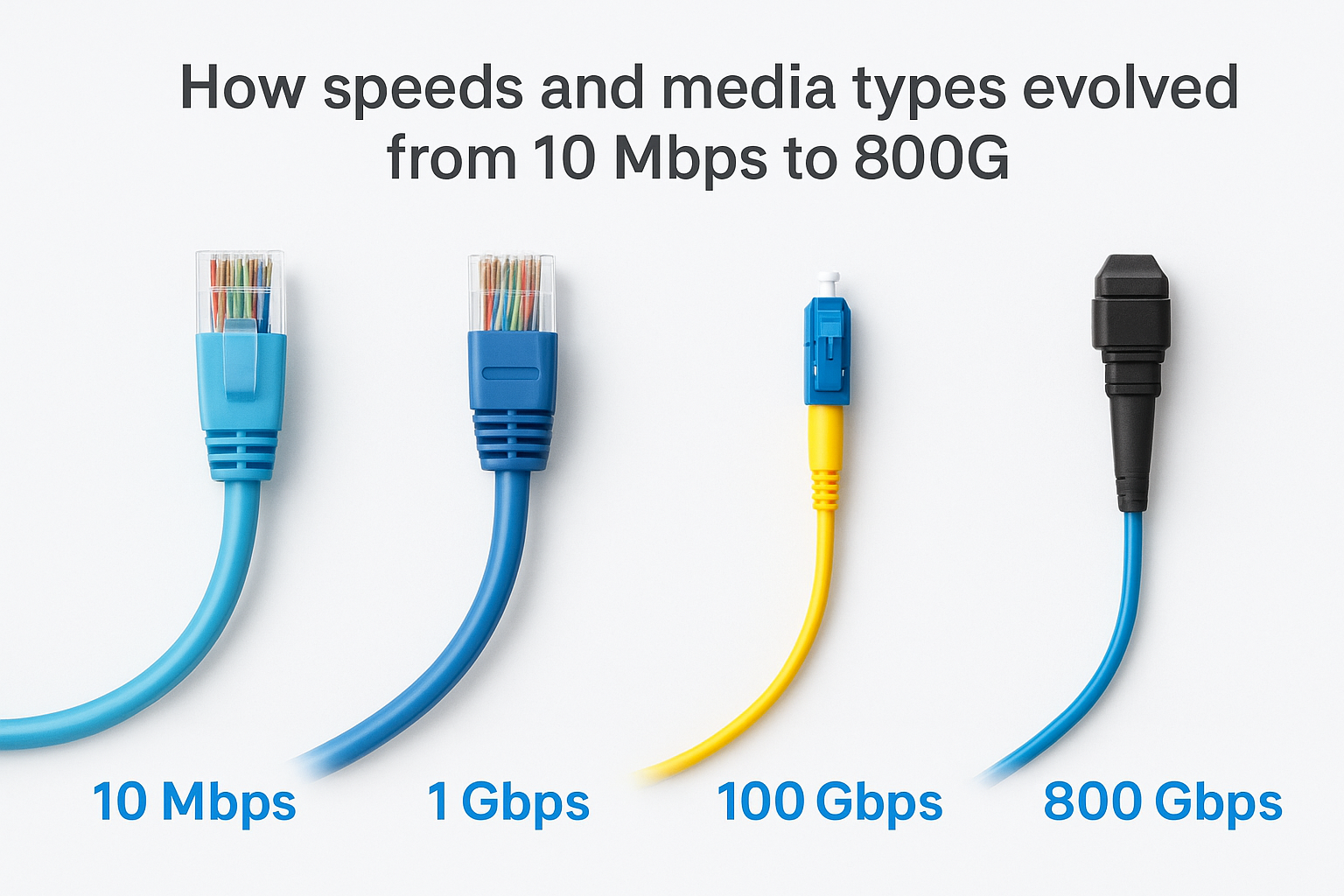
How speeds and media types evolved from 10 Mbps to 800G
The ieee 802.3 ethernet standard has expanded continuously since its formalization in 1983, with each new amendment pushing both speed thresholds and media options further. That progression directly determines which cable infrastructure you need today to avoid a costly re-pull when your bandwidth demands increase in two or three years.
From 10 Mbps to Gigabit Ethernet
The original 10 Mbps specification ran over coaxial cable before twisted-pair copper took over with 10BASE-T. From there, the standard advanced to 100 Mbps (Fast Ethernet) with 100BASE-TX, then to 1000 Mbps with 1000BASE-T, which remains one of the most widely deployed speeds in commercial environments. Each step introduced tighter cable requirements and shorter maximum run distances for fiber variants.
Fiber optic variants like 1000BASE-SX and 1000BASE-LX opened the door to longer backbone runs that copper simply cannot match in large facilities.
Multi-Gigabit and high-density speeds
Later amendments added 2.5GBASE-T and 5GBASE-T, which run over existing Cat5e and Cat6 cabling and give facilities a meaningful speed upgrade without a full rewire. Beyond that, 25G, 40G, 100G, 400G, and 800G variants serve data center and high-density commercial backbones, with fiber optic media handling the bulk of those high-capacity runs.
How Power over Ethernet fits into IEEE 802.3
Power over Ethernet (PoE) is not a separate technology sitting outside the ieee 802.3 ethernet standard; it is built directly into it through specific amendments. These amendments define how electrical power is delivered alongside data over the same twisted-pair copper cabling, eliminating the need for a separate power supply at each device.
The core PoE amendments
Three amendments cover the majority of commercial deployments. 802.3af established the original PoE specification at up to 15.4 watts per port, sufficient for basic IP phones and access points. 802.3at (PoE+) raised that ceiling to 30 watts, supporting more demanding devices. 802.3bt pushed further, delivering up to 90 watts per port across all four cable pairs, which covers high-performance wireless access points, PTZ cameras, and thin clients.
Matching your switch’s PoE budget to the correct 802.3 amendment prevents underpowered devices and avoids costly switch replacements after installation.
What this means for your infrastructure
Your cable selection matters here as much as your switch spec. Higher-wattage PoE over 802.3bt requires Cat6 or Cat6A cabling to handle increased current without heat buildup. Specifying the right cable category at the design phase keeps your PoE deployment safe and reliable long-term.
Final takeaways
The ieee 802.3 ethernet standard defines every layer of your wired network, from the physical cable and connector specs at Layer 1 to the MAC addressing rules at Layer 2. Each sub-standard covered here, whether it governs speed, media type, or PoE wattage, connects directly to the infrastructure decisions you make during a facility buildout or network upgrade.
Choosing the right cable category, switch spec, and PoE amendment at the design phase saves you from expensive rework later. Cat6A cabling, fiber optic backbones, and properly rated PoE switches are not overcomplications; they are the infrastructure choices that give your network real room to grow as your business scales.
If you’re planning a new commercial network or upgrading an existing one in Southwest Florida, reach out to the CommX Networks team to get a system built to the right standards from day one.