
A solid network documentation template saves you from the chaos that hits when a switch fails at 2 AM and nobody knows what’s connected to what. Whether you’re tracking IP assignments, cataloging hardware across multiple closets, or mapping out cable runs in a 50,000-square-foot warehouse, having a structured record of your infrastructure is non-negotiable for smooth operations and fast troubleshooting.
At CommX Networks, we’ve spent 18 years designing and installing structured cabling, LAN environments, and communication systems for commercial facilities across Southwest Florida. Every project we complete generates documentation, rack elevations, cable schedules, port maps, device inventories, because we’ve seen firsthand what happens when that information doesn’t exist. Techs waste hours tracing cables. Expansions get delayed. Simple moves turn into full-blown discovery projects. Good documentation prevents all of it.
This article breaks down six practical template options you can grab and put to work on your 2026 projects. Each one covers a different piece of the puzzle, from IP address management spreadsheets to full network topology diagrams. We’ll walk through what each template includes, when to use it, and how to adapt it to your environment, so you spend less time building documents from scratch and more time getting actual work done.
When CommX Networks completes a cabling or network infrastructure project, documentation is part of the deliverable, not an afterthought. Every installation package includes records built specifically around your facility, your devices, and your cable runs.
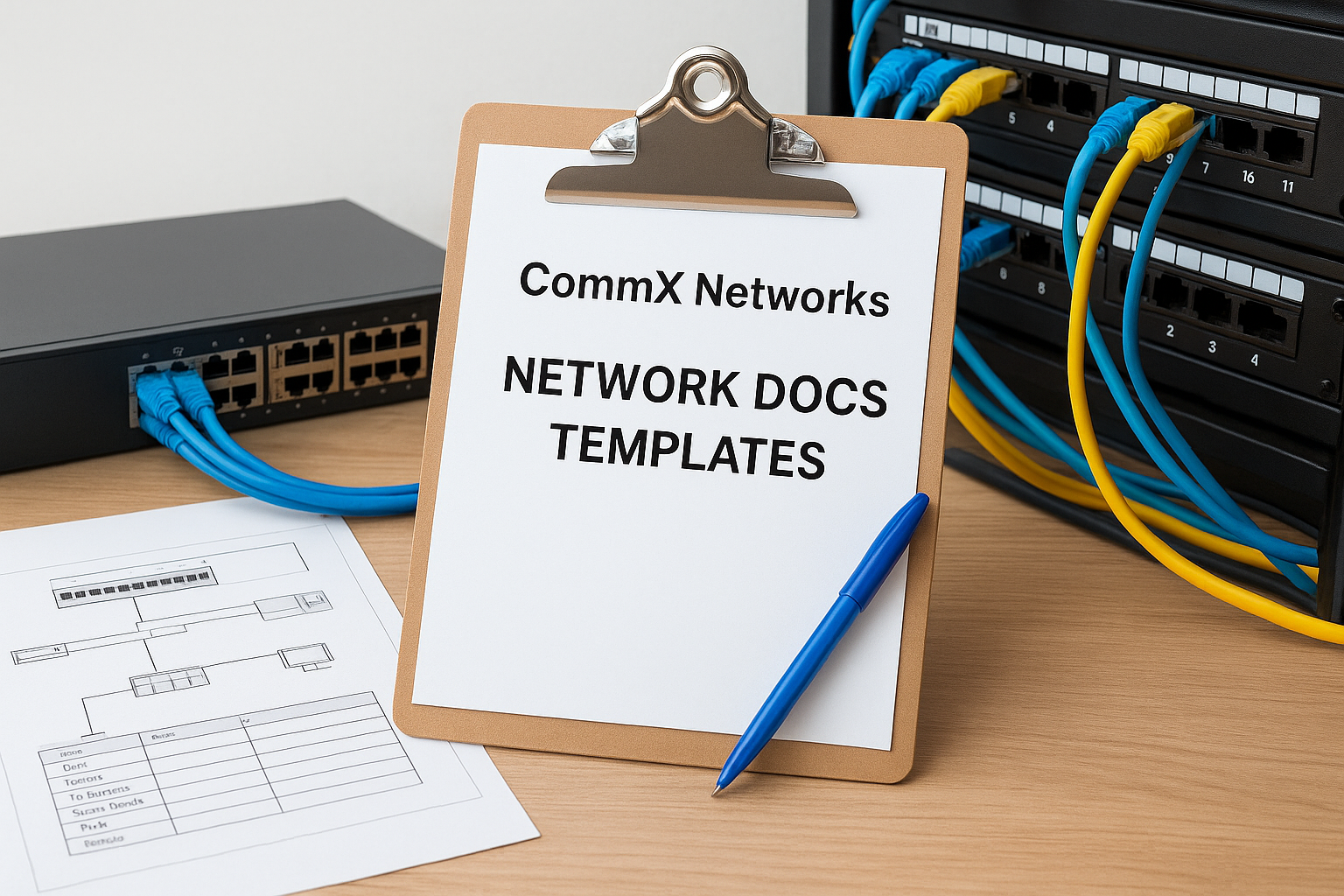
The standard CommX network documentation template package captures the physical layer in full detail. Each record set includes the following core components:
CommX technicians record documentation data during installation, not after the fact. Port labels, cable identifiers, and device serial numbers go into the project record as each run gets terminated and tested.
Capturing documentation during installation means your records match reality from day one, which cuts troubleshooting time on any future change or expansion.
By the time the project closes, your documentation reflects the actual physical state of the network, not a retroactive best guess filled in from memory.
This option works best for new construction or full infrastructure buildouts where CommX handles the physical layer from the ground up. It also fits warehouse and distribution center expansions where cable schedules need to scale across large floor plans with multiple IDFs or closets.
CommX documentation covers the physical layer, meaning structured cabling, switching, and wireless hardware. It does not include software-level configurations, firewall rule sets, or server inventories. You will need a separate documentation process to handle logical network layers on top of what CommX provides.
Documentation is bundled into CommX project pricing and is not billed as a standalone service. The scope of your installation determines what gets documented, so larger projects with more devices and cable runs produce more detailed deliverable packages.
Spreadsheet-based templates are the most widely used starting point for network inventory tracking. Both Microsoft Excel and Google Sheets support free, downloadable templates that let you record device details, IP assignments, and port mappings without purchasing specialized software.
A standard spreadsheet network documentation template typically includes columns for hostname, IP address, MAC address, device type, location, VLAN, and responsible technician. Most templates also include separate tabs for patch panel port maps, switch inventory, and wireless access point records.
The biggest challenge with spreadsheets is keeping them current after the initial build. Assign one person ownership of each sheet and set a recurring calendar reminder, at minimum monthly, to audit entries against actual device states. Version control through Google Sheets’ revision history or a shared SharePoint folder prevents overwritten records from disappearing.
Treating your spreadsheet like a living document, with scheduled reviews, is what separates useful documentation from a file nobody trusts.
Spreadsheets work well for small to mid-size offices with fewer than 100 devices and a single IT contact managing the environment.
These tools do not enforce data validation or automatic updates, so manual errors accumulate quickly in larger, multi-site environments.
Both tools are free to use with a Microsoft 365 or Google Workspace subscription your organization likely already has.
NetBox is an open-source network infrastructure management tool that combines IP address management (IPAM) with data center infrastructure management (DCIM). It replaces static spreadsheets with a structured database where every record connects to related records.
The platform organizes your infrastructure around defined data models: sites, racks, devices, interfaces, IP addresses, VLANs, and cable connections. Each object type enforces required fields, which means your network documentation template follows a consistent schema across every entry.
Unlike a spreadsheet, NetBox links records together. A device entry connects to its rack, its interfaces, its IP assignments, and its physical cable terminations, so one change updates all related records. You can also query your entire infrastructure to surface gaps or address conflicts before they cause problems.
Relational data keeps your documentation internally consistent even as your network scales across multiple sites.
NetBox suits mid-size to enterprise environments with multiple sites, dozens of devices, and a team that needs a shared, authoritative source for infrastructure data.
Running NetBox requires self-hosting or a managed cloud instance, so your team needs someone comfortable with basic Linux administration to keep it running reliably.
The core application is free and open-source. NetBox Labs offers a hosted version with paid tiers for teams that want a fully managed option.
Lucidchart provides a cloud-based diagramming platform with a library of pre-built network topology templates you can customize to match your actual environment. When your network documentation template strategy includes visual layer maps, Lucidchart fills that gap directly.

Each network diagram template includes standard shapes for routers, switches, firewalls, access points, and servers, arranged across logical and physical topology layouts. You can add IP address labels, VLAN designations, and connection types directly to the diagram so stakeholders at any level can interpret the layout quickly.
The practical challenge with any diagram is keeping it current after the initial draw. Assign one person to update the diagram every time a device gets added, moved, or removed. Lucidchart supports shared team editing, which means your network team can update the same file in real time without emailing versions back and forth.
A diagram that lags behind your actual infrastructure creates more confusion than having no diagram at all.
Lucidchart works best for teams that need a visual reference for physical or logical topology, especially during client presentations or facility audits.
Lucidchart diagrams are static visuals, not linked databases. They do not auto-update when your network changes.
Lucidchart offers a limited free tier and paid plans starting around $9 per user per month.
WikiDNA provides structured wiki templates specifically built for IT and network documentation. Unlike general-purpose wikis, it organizes pages around predefined categories like devices, sites, circuits, and contacts, which gives your network documentation template a consistent framework from the first entry.
The templates in WikiDNA include pre-formatted pages for device inventory, IP ranges, site details, network diagrams, and vendor contacts. Each page type enforces consistent field structures so every entry follows the same format regardless of who adds it.
Your team can also create custom page types for specialized equipment like paging systems or wireless access point arrays, which makes WikiDNA flexible enough for non-standard infrastructure components.
Consistent naming conventions are what make a wiki actually usable long-term. Establish a site-code prefix system (for example, FTM-SW-01 for Fort Myers Switch 1) before anyone adds their first entry, and document that convention in a master index page so every contributor follows the same pattern.
Naming conventions set at project start are far easier to maintain than standardizing 200 entries after the fact.
Teams managing multi-site environments find WikiDNA particularly useful when different staff members need access to shared documentation across locations.
The platform does not auto-discover devices or pull live network data, so accuracy depends entirely on manual updates from your team.
WikiDNA offers free and paid tiers, with paid plans starting at a low monthly per-user rate for teams that need additional storage and access controls.
Spiceworks hosts a large library of community-contributed spreadsheets that IT professionals have shared, refined, and adapted over years of real-world use. These files give you a practical starting point for tracking network assets without building a template from scratch.
The most popular Spiceworks community files cover device inventory, IP address tracking, switch port assignments, and vendor information. Many contributors include a network documentation template tab specifically for labeling patch panel ports alongside their corresponding switch connections, which closes a common gap in basic inventory sheets.
Before distributing any community spreadsheet to your team, strip out any columns your environment does not use and lock the column headers to prevent accidental edits. Add a reference tab that defines every field so each person entering data uses the same terminology and format.
Standardizing field definitions before your team starts entering data costs an hour upfront and saves dozens of correction cycles later.
These templates suit small IT teams managing a single site with a limited device count and no budget for dedicated documentation software.
Community files receive no official support or updates, so you inherit whatever inconsistencies the original contributor built in.
All Spiceworks community spreadsheets are completely free to download with a free Spiceworks account.
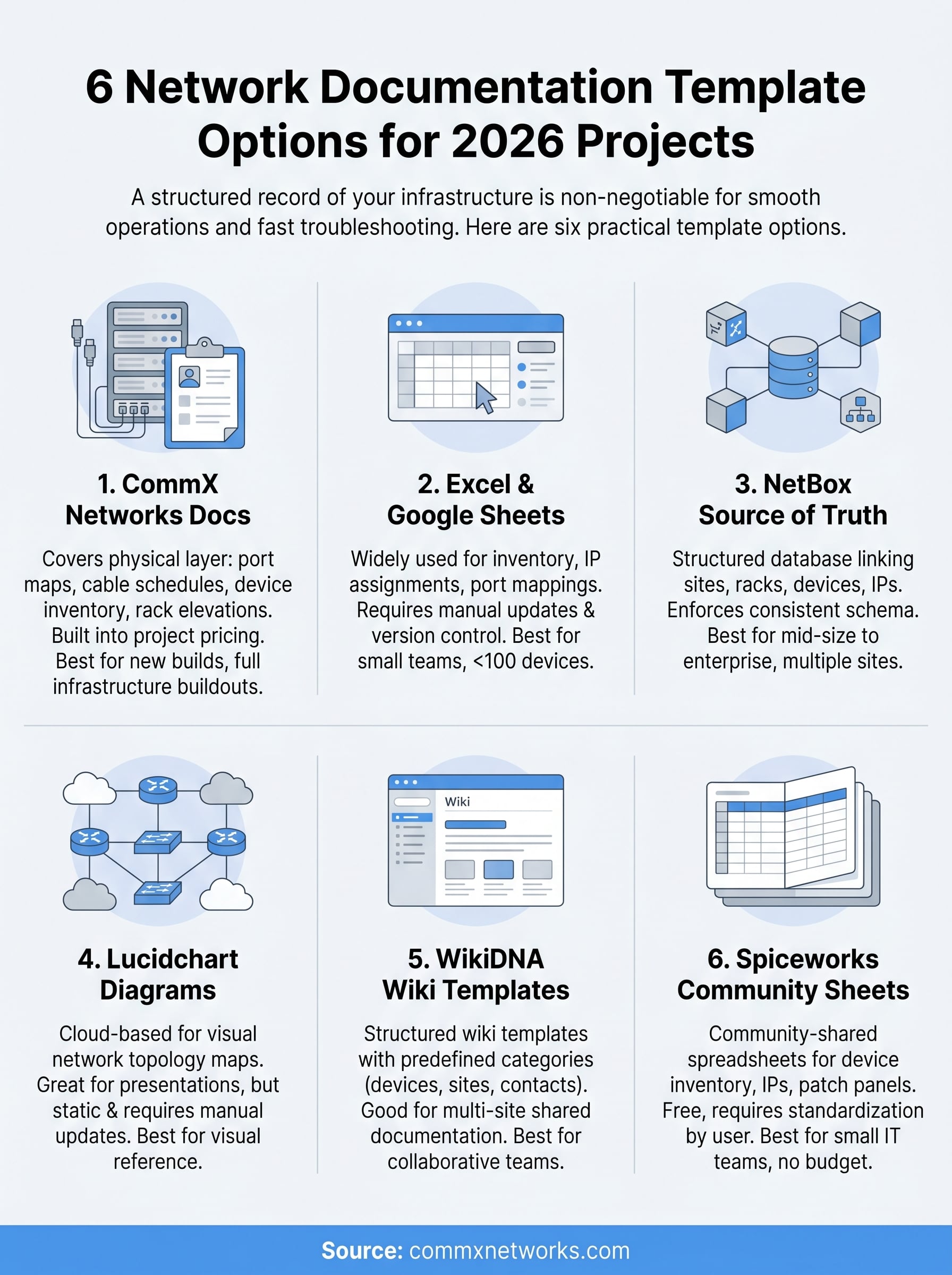
Six options cover the full range of how teams document their infrastructure, from free community spreadsheets to open-source relational databases. The right network documentation template for your environment depends on your scale and team size, as well as how much time you can realistically commit to keeping records current. Start with whichever format matches the complexity you’re managing right now, then upgrade your approach as your infrastructure grows.
If your project involves a new cabling installation or network buildout, documentation that starts at the physical layer gives you the most accurate foundation to build on. Every switch port, every cable run, and every access point placement gets recorded as work happens, which means your records reflect what’s actually installed rather than a retroactive best guess filled in after the fact.
For commercial facilities in Southwest Florida, CommX Networks delivers physical layer infrastructure with documentation built into every project. Contact the team to discuss your 2026 buildout and get accurate records from day one.