
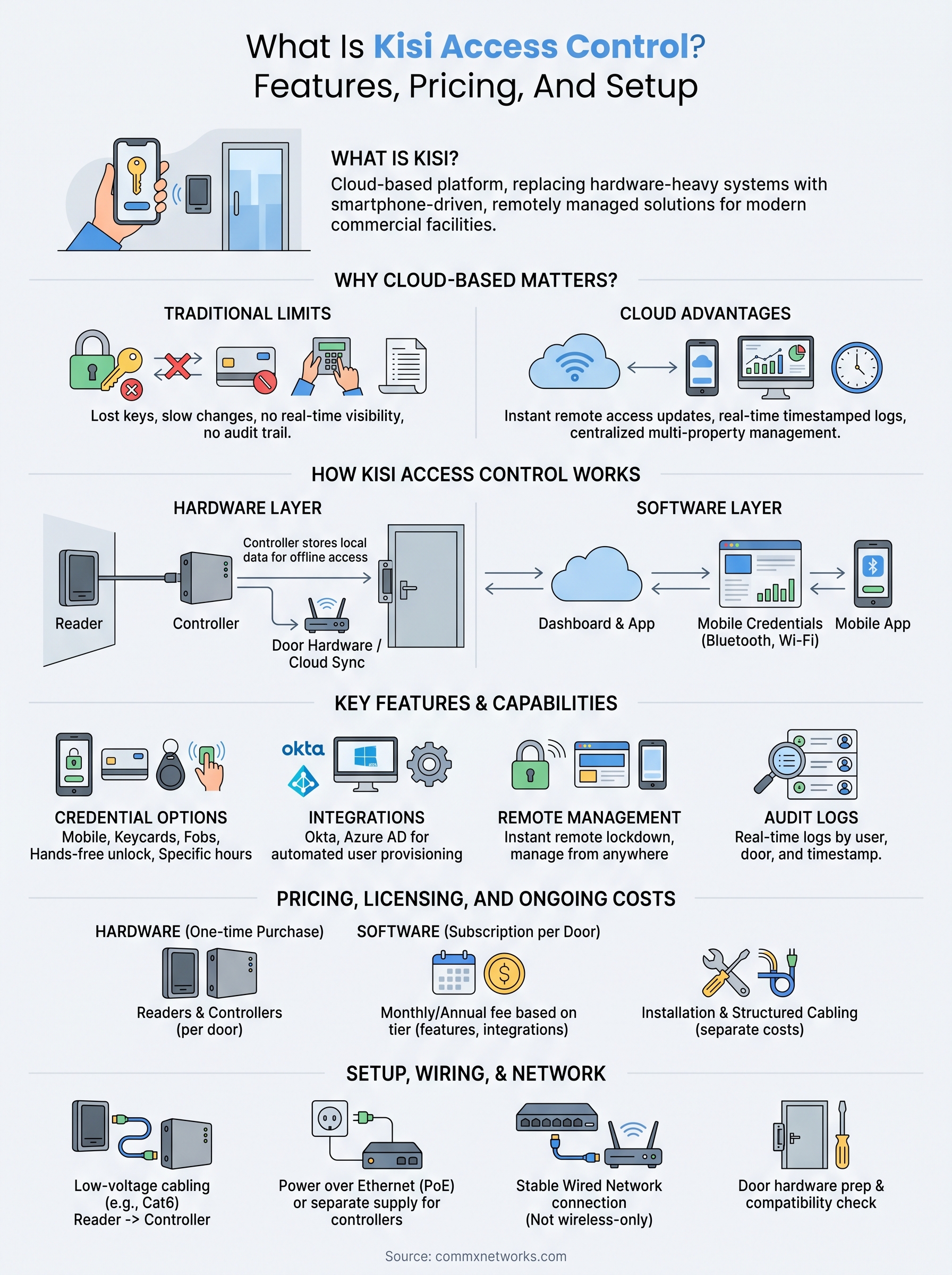
Managing who enters your building with keys and keycards worked fine, until it didn’t. Lost keys, unreturned access cards, and zero visibility into who’s coming and going are problems that grow alongside your business. Kisi access control is one of the cloud-based platforms built to solve exactly that, replacing traditional hardware-heavy systems with a smartphone-driven, remotely managed solution that appeals to modern commercial facilities.
But is it the right fit for your building? That depends on your facility size, your integration needs, and how much you’re willing to spend per door.
This article covers what Kisi actually is, how its features stack up, what the pricing looks like, and what’s involved in getting the system installed and running at your facility. Whether you’re evaluating Kisi for a new build-out or comparing it against other platforms, you’ll walk away with the details you need to make a grounded decision.
Why cloud-based access control matters
Traditional access control ties your security to physical hardware: metal keys, proximity cards, and on-site panels that require a technician to make any change. Replacing a lost keycard means tracking down a system admin, and pulling access for a terminated employee can take hours instead of seconds. That delay between needing a change and having it live is where traditional systems consistently create risk for your business.
The limits of traditional key and card systems
Physical credentials create operational friction that grows with your facility. A single office with 20 employees can manage keycards without much trouble, but a large warehouse with shift workers, contractors, and multiple entry points turns that same setup into a management headache. Lost cards rarely get reported quickly, keycards can be copied, and your audit trail is almost nonexistent without someone physically pulling a log reader.
Common issues that push commercial facilities toward cloud-based platforms:
- No real-time visibility into who used which door and when
- Revoking access requires on-site hardware interaction
- Contractor and temporary credentials are hard to time-limit reliably
- Scaling to new locations means separate systems that don’t communicate with each other
When a credential goes missing and you don’t find out for three days, that’s three days of unrestricted access for whoever found it.
What changes when access lives in the cloud
Cloud-based systems like Kisi access control move your entire permission structure online, so you can add, remove, or modify access for any user from any device in seconds. Your facility manager or IT director doesn’t need to be on site to lock down a door after an incident. Every entry attempt generates a timestamped log you can pull up from any browser without touching the physical hardware.
Managing multiple properties also becomes significantly simpler. A cloud dashboard consolidates every door, every user, and every access event across your locations into a single view. Physical infrastructure still matters because readers, controllers, and cabling all need proper installation, but the management layer becomes far more practical once that hardware is correctly in place.
How Kisi access control works
Kisi access control splits into two layers that work together: the physical hardware installed at your doors and the cloud software that manages everything. Understanding how those two layers connect helps you set realistic expectations before you commit to an installation project.
The hardware layer
At each entry point, you install a Kisi reader that captures credentials from smartphones, key cards, or fobs. That reader connects to a Kisi controller, which is a small network device typically mounted inside your server room or IDF closet. The controller handles the actual door release signal and communicates with Kisi’s cloud platform over your internet connection. Your existing electric strike, magnetic lock, or door hardware connects directly to the controller, so the physical locking mechanism doesn’t need to change in most cases.
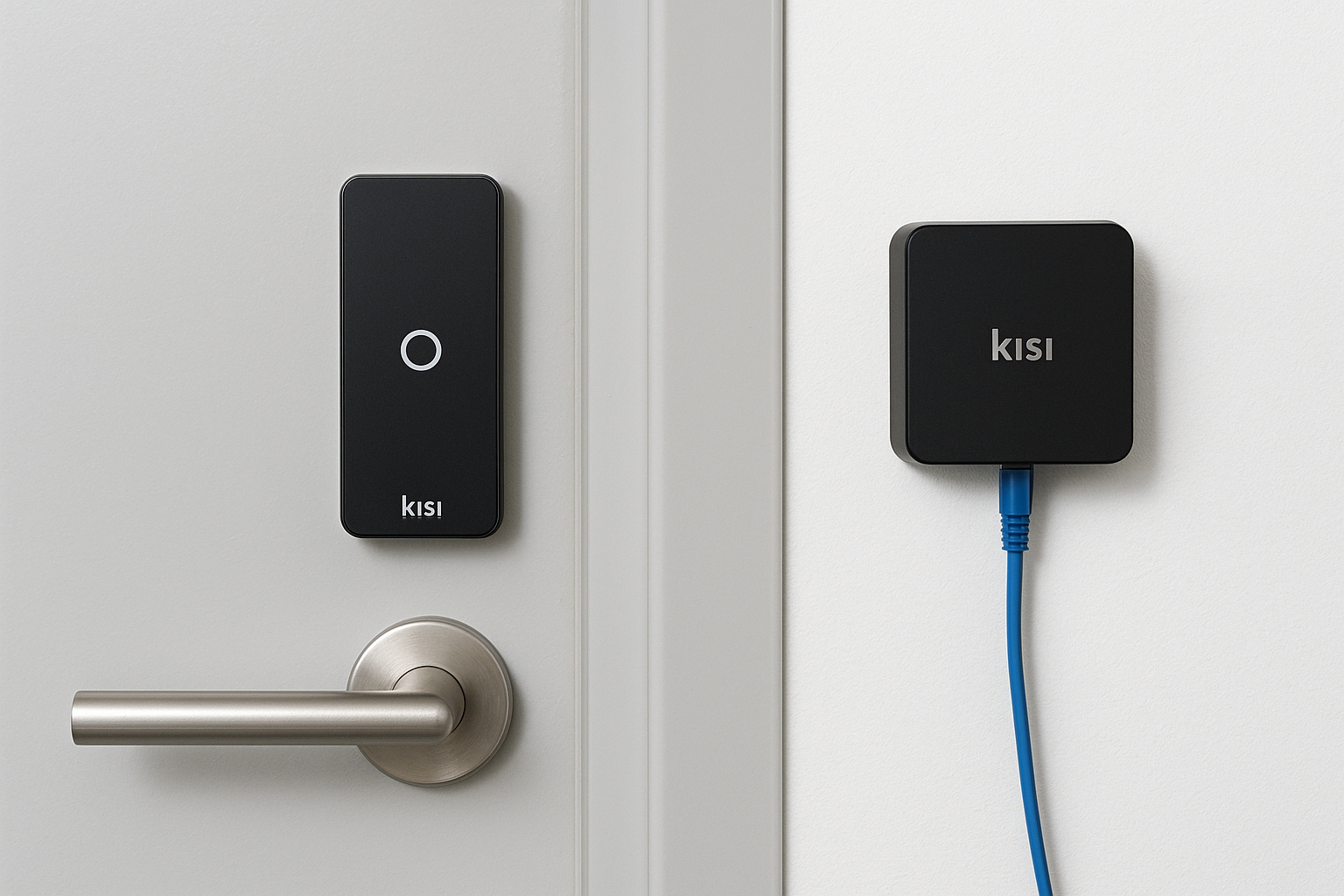
If your network goes down, Kisi controllers store recent credential data locally and continue granting access to authorized users until connectivity restores.
The software and cloud layer
Kisi’s web dashboard and mobile app give your administrators a centralized place to manage every door and every user. You can assign access schedules, group users by department or role, and pull audit logs without touching any hardware on-site. Mobile credentials work through Bluetooth and Wi-Fi, so your employees can unlock doors with a phone tap or even hands-free as they approach. Every entry attempt, successful or failed, generates a timestamped record tied to a specific user and door.
Key features and capabilities to evaluate
Kisi access control delivers a broad feature set, but which capabilities matter most depends on your facility size, your IT environment, and how your team operates day to day. Before you commit to a deployment, it’s worth narrowing down the features you’ll actually use versus the ones that add setup complexity without a clear benefit.
Credential options and user management
Kisi supports multiple credential types in parallel, so you can match access method to job function. Warehouse workers who don’t carry smartphones can use keycards or fobs, while office staff unlock doors with their phones. Access schedules let you restrict entry to specific hours, which means a contractor only gets in during their assigned window without manual follow-up from your team.
Supported credential types include:
- Mobile unlock via Bluetooth or Wi-Fi on iOS and Android
- Keycards and fobs for roles where phones aren’t practical
- Hands-free unlock that triggers automatically as an authorized user approaches
Integrations and remote management
With identity provider integrations for Okta and Azure Active Directory, you can add or remove a user in your HR or IT system and have their door access update automatically. That sync removes the manual step of managing two separate platforms every time headcount changes.
The remote lockdown feature lets any authorized admin lock every door on your property instantly from a browser or phone, without being on site.
Real-time audit logs tie every entry attempt to a specific user, door, and timestamp, giving your team the documentation you need for incident reviews or compliance purposes.
Pricing, licensing, and ongoing costs
Kisi access control uses a layered pricing model where hardware and software are billed separately, which means your upfront investment and your ongoing monthly costs are two distinct budget items. Understanding both before you start a project prevents surprises once the hardware is installed and the invoices start coming in.
Hardware costs per door
Every door you secure requires a Kisi reader and a controller, and those are one-time hardware purchases. A single controller can manage multiple doors depending on the model, so larger facilities with many entry points benefit from controller consolidation. Installation labor, cabling, and any existing door hardware modifications are separate costs that vary by site.
The more doors you secure with a single controller, the lower your per-door hardware cost becomes at scale.
Software subscription tiers
Kisi charges a monthly or annual subscription fee per door, and the tier you choose determines which features you get. The base tier covers standard credentials and remote management, while higher tiers unlock integrations like Okta, Azure Active Directory, and video intercom functionality. If your facility depends on those integrations to automate user provisioning, you need to budget for a higher tier from the start.
Costs to account for across the full deployment:
- One-time hardware purchase (readers, controllers, mounting hardware)
- Monthly per-door software subscription based on selected tier
- Professional installation and structured cabling labor
- Any upgrades to existing door hardware like strikes or maglocks
Setup, wiring, and network requirements
Getting Kisi access control installed correctly starts well before any hardware mounts to the wall. Your installation involves structured cabling runs to each door, proper power sourcing for readers and controllers, and a stable network connection that the controller uses to communicate with the cloud. Skipping or rushing any of those steps creates problems that are far more expensive to fix after the walls are closed.
Cabling and door hardware prep
Each reader needs a low-voltage cable run from the reader location back to the controller, typically Cat6, along with separate wiring for the door hardware like the electric strike or magnetic lock. If your facility doesn’t already have conduit in place, your installer will need to plan those runs before any hardware goes up. Existing door frames sometimes require modifications to accept the strike or lock hardware, and that work needs to happen before the controller goes online.
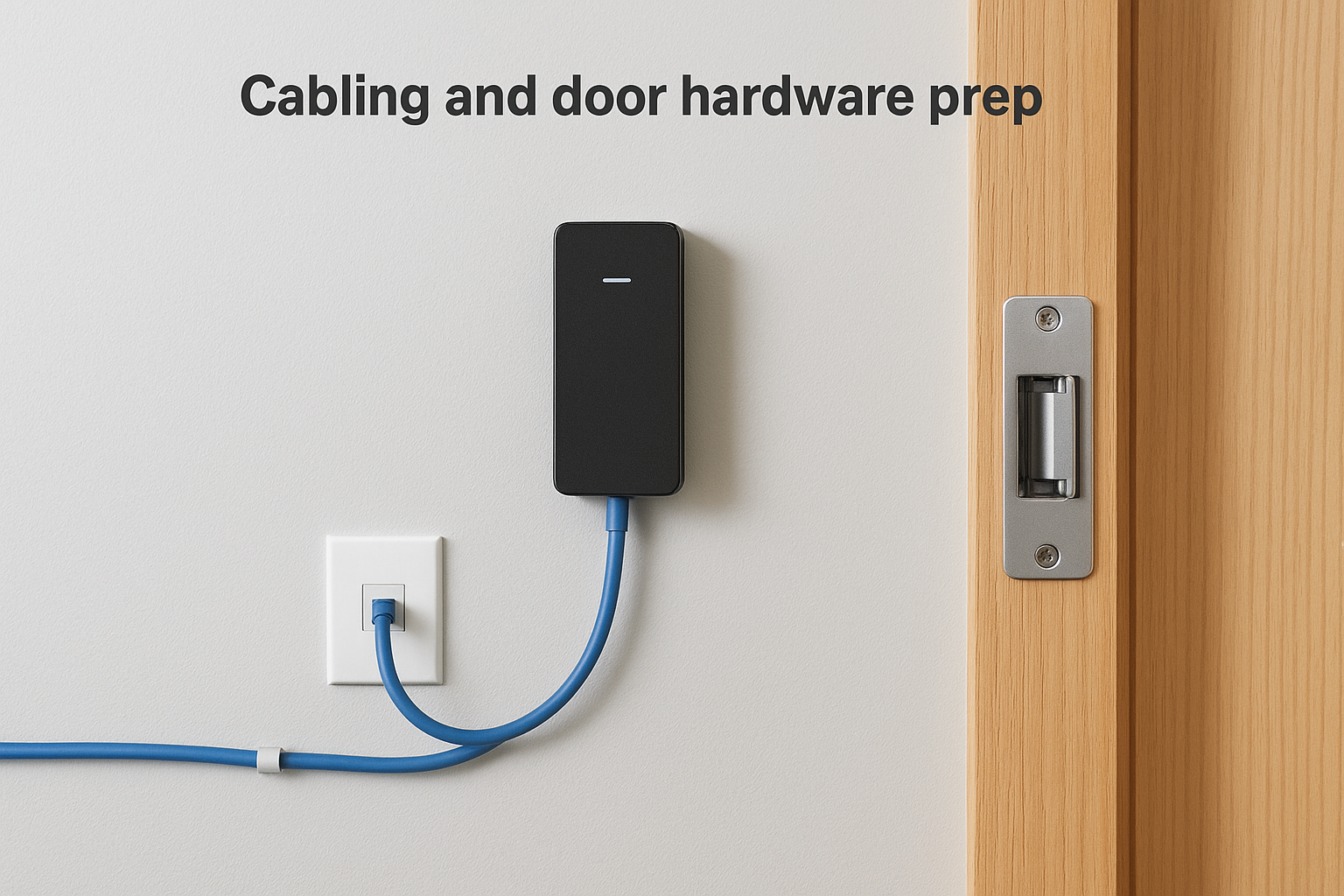
Confirm your door hardware compatibility before ordering controllers. Not every existing lock or strike works with Kisi without an adapter or replacement.
Network and connectivity requirements
Your Kisi controller connects to your local network via ethernet, so each controller location needs a nearby network port and a power over ethernet switch or a separate power supply. Wireless-only network setups are not recommended for controllers because a dropped connection interrupts the cloud sync, even though local credential caching provides a short-term backup. A stable, wired connection to a properly segmented network keeps your access logs accurate and your remote management reliable.
A simple way to decide if Kisi fits
Kisi access control fits well when you manage a commercial facility with multiple entry points, rotating staff, or several locations that need centralized oversight. If your team spends time chasing lost keycards or manually updating access for contractors, the cloud management layer alone justifies the switch. The per-door subscription cost becomes reasonable once you factor in the time your staff saves each month handling credential changes that previously required on-site hardware interaction.
Your facility’s wiring condition, network infrastructure, and existing door hardware will shape the actual installation cost more than the hardware price list alone. Before committing to a full deployment, have a professional walk your site and assess cabling runs, door frame compatibility, and network port availability. CommX Networks doesn’t sell or install access control systems. If your Southwest Florida facility needs structured cabling, network infrastructure or commercial security cameras, call (239) 322-6340 or contact our team for a site assessment.