
Every network you build is only as secure as the barrier standing between it and the outside world. If you’ve ever asked what is a network firewall, the short answer is this: it’s the gatekeeper that decides which traffic enters your network and which gets blocked. But the full picture matters, especially when your business depends on reliable, high-performance infrastructure to operate.
At CommX Networks, we design and install the physical network systems, structured cabling, LAN environments, wireless access points, that commercial facilities across Southwest Florida rely on daily. A firewall is one of the first lines of defense for everything that runs on that infrastructure. Without one, every connected device and data path we build out would be exposed to unauthorized access, malware, and data theft. That’s why understanding firewalls isn’t optional; it’s a baseline requirement for any business operating a commercial network.
This article breaks down how network firewalls work, the different types available, their core functions, and the practical benefits they provide. Whether you’re building a new facility or upgrading an existing setup, this is foundational knowledge that directly impacts how you protect your operations and the infrastructure investment behind them.
What a network firewall does
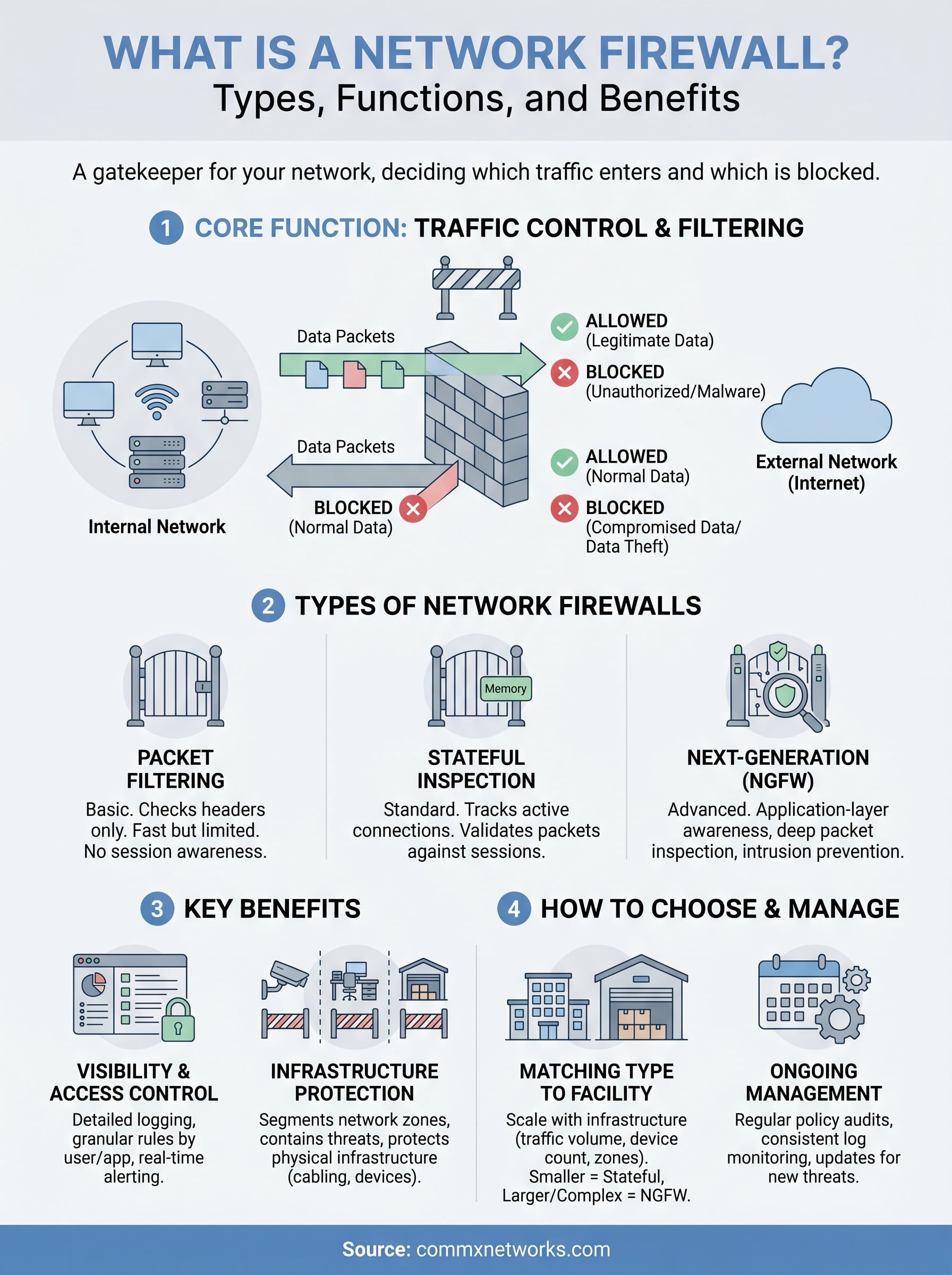
A network firewall sits between your internal network and external connections, including the internet, and evaluates every data packet that attempts to pass through. When you ask what is a network firewall at its most functional level, the answer comes down to traffic control: it permits legitimate data through and blocks anything that doesn’t meet your defined security rules. Think of it as a checkpoint that operates continuously and never skips a verification step, regardless of traffic volume or time of day.
A firewall doesn’t just block bad traffic; it enforces a defined policy that determines what "good" traffic looks like from the start.
Filtering inbound and outbound traffic
Your firewall applies rules to both directions of network traffic, and both directions matter. Inbound filtering stops unauthorized connections from reaching your servers, workstations, and connected devices. Your staff might never see the hundreds of probing attempts that hit a commercial network on any given day, but your firewall logs every one of them and acts on your security rules in real time.
Outbound filtering is equally important and is often overlooked by businesses focused only on keeping threats out. It prevents compromised devices inside your network from sending data back to an attacker’s server. If malware manages to reach a machine on your floor, a properly configured firewall can cut off that communication channel before any sensitive data leaves your facility.
Segmenting and protecting network zones
Commercial facilities frequently run multiple types of traffic across the same physical infrastructure. You might have employee workstations, security cameras, point-of-sale systems, and guest Wi-Fi all connecting through the same cabling backbone. A firewall lets you divide these into separate security zones, so a breach in one area doesn’t automatically expose everything else connected to your network.
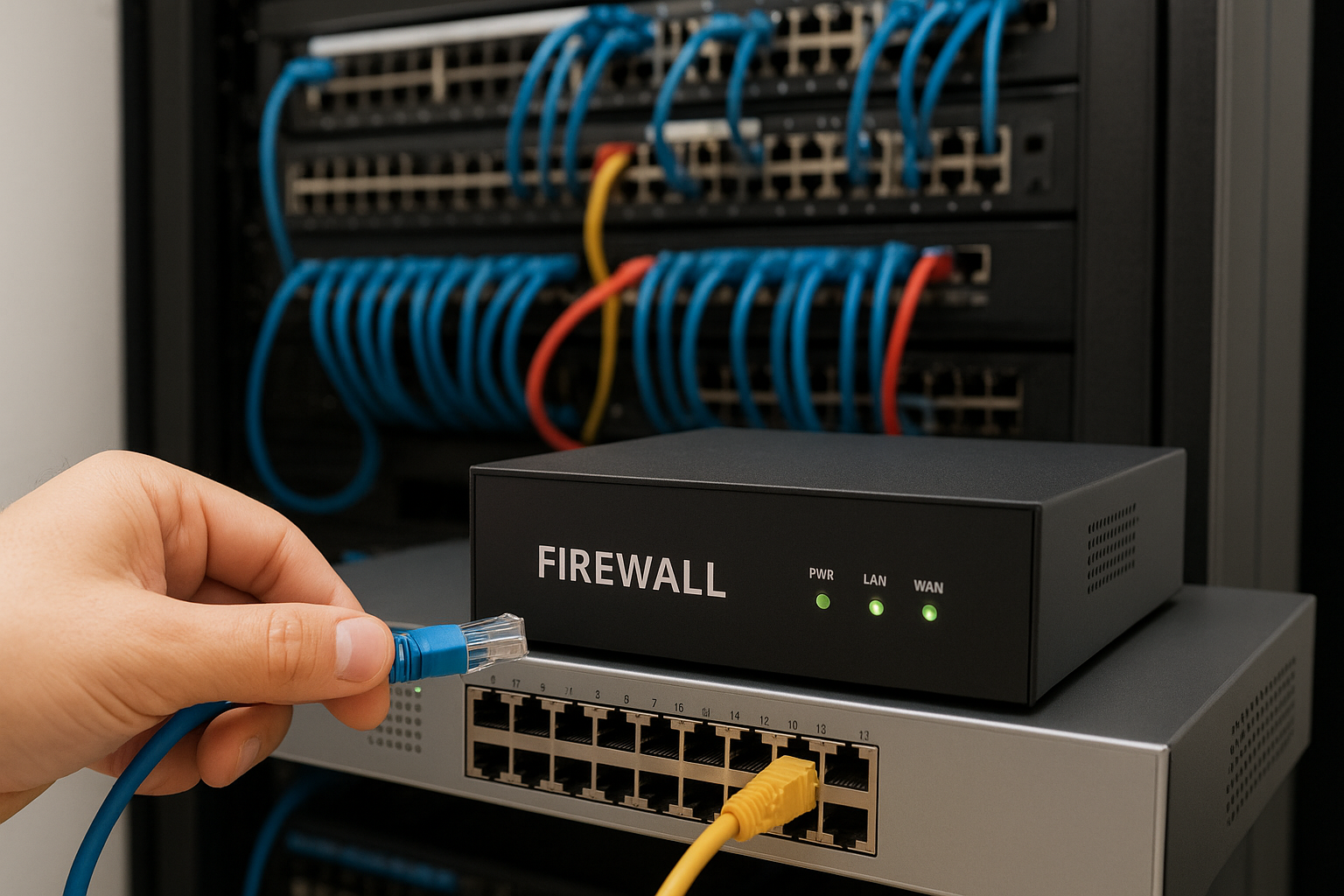
For warehouses and distribution centers, this segmentation is critical to daily operations. Operational systems like inventory management or access control need to stay isolated from general internet traffic and user devices. By enforcing clear boundaries between zones, a firewall limits how far an attacker can move if they do gain access. Your physical infrastructure stays intact, and your network policy does the heavy lifting to contain potential damage before it spreads.
How a network firewall works
A firewall processes network traffic by examining data packets, which are small units of information that travel across any network connection. Each packet carries details about its source, destination, and the type of data it contains. Your firewall reads these details and compares them against a set of rules you or your IT team define in advance. Understanding what is a network firewall at this technical level helps clarify why configuration quality matters just as much as having one installed. Packets that match an allowed rule pass through; packets that don’t get dropped before they reach your devices.
Packet inspection and rule matching
When traffic arrives at your firewall, the inspection process runs in real time. Stateless inspection evaluates each packet in isolation, checking only its header information against your rules. This approach is fast but limited because it doesn’t account for the broader context of a connection session. Stateful inspection, which most modern firewalls use, tracks the full state of active connections and makes smarter decisions based on whether a packet belongs to an established, legitimate session.
Stateful inspection gives your firewall the ability to distinguish between a packet that belongs to an authorized session and one that’s attempting to piggyback on your network traffic.
Your firewall also applies rules in a specific order, working through a priority-ranked policy list until it finds a match for each packet. This ordering matters because the first matching rule wins. Poorly structured rules can create gaps that allow unwanted traffic through, which is exactly why regular audits of your firewall policy are just as important as the initial configuration itself.
Types of network firewalls
Not all firewalls work the same way, and understanding what is a network firewall also means understanding the options available to you. The type you deploy directly determines what level of inspection your traffic receives and how much enforcement control you have across your network. Choosing the wrong type for your facility size or traffic volume can leave gaps that a stronger option would have closed.
Packet filtering and stateful firewalls
Packet filtering firewalls are the most basic type. They check each packet’s header against a fixed rule set without tracking any connection context. Stateful firewalls improve on this by monitoring the full state of each active connection, making it harder for attackers to slip unauthorized packets through an established session. For most commercial environments, stateful inspection is the minimum standard you should accept.
- Packet filtering: fast but limited; evaluates headers only with no session awareness
- Stateful inspection: tracks active connections and validates each packet against established sessions
If your current firewall doesn’t track connection state, you’re leaving a meaningful gap in your network’s first line of defense.
Next-generation firewalls
Next-generation firewalls (NGFWs) go several layers deeper than traditional models. They combine stateful inspection with deep packet inspection, application-layer awareness, and integrated intrusion prevention. An NGFW identifies specific applications running across your network, not just ports and protocols, giving you far more precise control over what your staff and connected devices can reach.
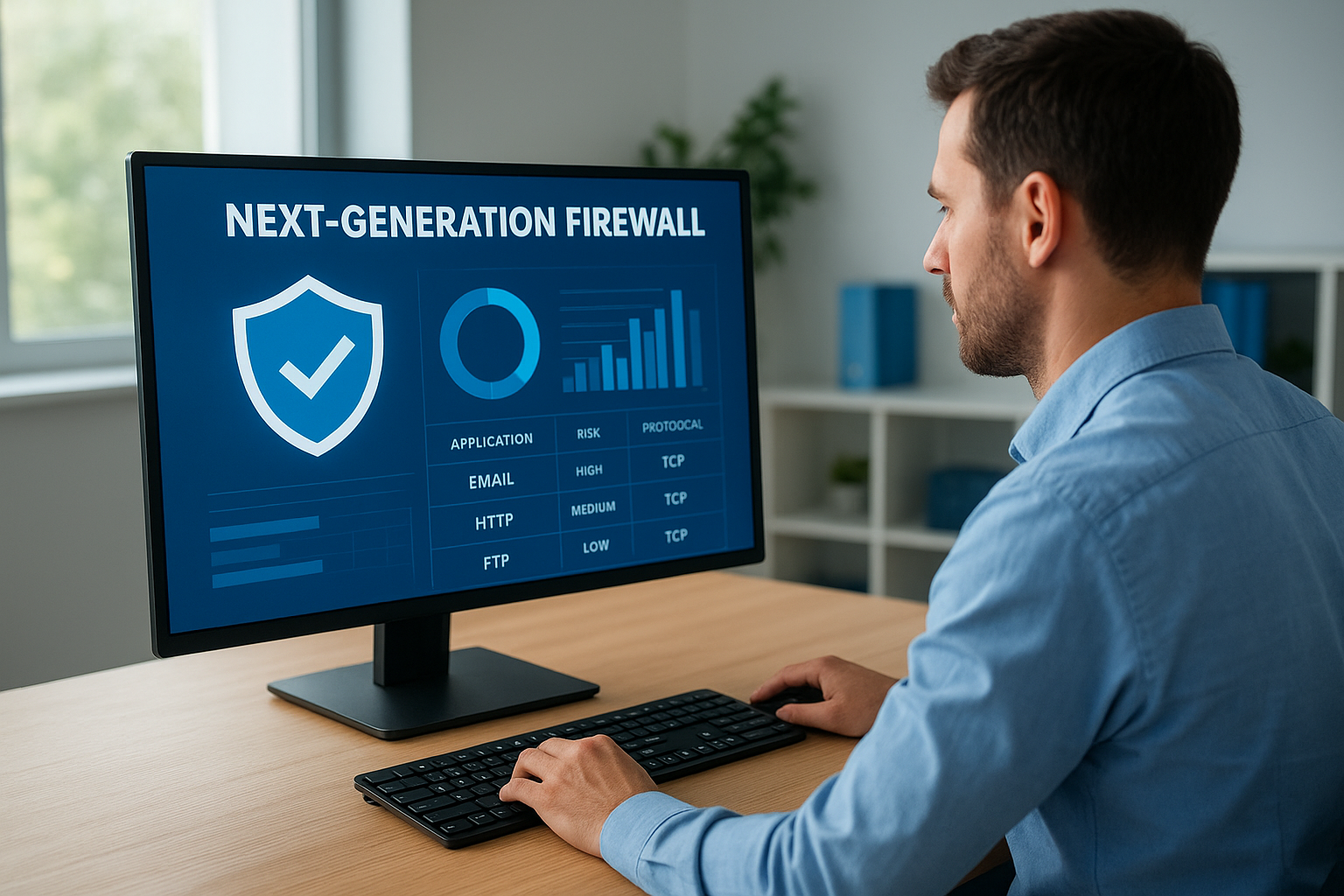
Your choice between these options depends on your current network complexity and how much application-level visibility you need. Smaller offices may find a stateful firewall sufficient, while facilities managing security cameras, wireless zones, and multiple device types will benefit more from NGFW capabilities.
Key features and benefits
When you move past asking what is a network firewall and start thinking about what it delivers day-to-day, the value becomes concrete. A firewall gives you direct control over who and what can interact with your network, reducing your exposure to unauthorized access, data theft, and service interruptions that can halt operations across your facility.
Visibility and access control
Your firewall generates detailed logs of every connection attempt, accepted or rejected, which means your IT team always has a clear record of what’s happening at your network boundary. This visibility lets you spot unusual patterns early, before they develop into serious incidents.
Consistent logging turns raw traffic data into actionable security intelligence that your team can act on immediately.
Modern firewalls also deliver application-layer awareness, letting you block specific software categories or restrict access to certain services by user group. That gives you granular enforcement rather than a blanket allow-or-deny approach.
- Centralized logging: every accepted and rejected connection is recorded and auditable
- Granular access rules: restrict access by user group, application, or network zone
- Real-time alerting: flag suspicious traffic patterns as they occur
Protection across your physical infrastructure
Every structured cabling run, wireless access point, and connected device on your network depends on a firewall to stay protected. Without one, any single exposed device becomes a potential entry point for attackers targeting your broader system. A properly deployed firewall limits that risk by enforcing segmentation rules that contain threats before they move laterally through your network zones. For commercial facilities running mixed traffic across large footprints, that containment capability directly protects both your data and the physical infrastructure behind it.
How to choose and manage one
Choosing the right firewall starts with an honest assessment of your current network complexity and how much traffic you’re managing. Once you understand what is a network firewall and the types available, the next step is matching those options to your specific facility size, device count, and security requirements.
Matching firewall type to your facility
Smaller offices with straightforward traffic patterns can typically operate well with a stateful inspection firewall that enforces basic access rules and logs connection attempts. Larger commercial facilities, including warehouses, distribution centers, or multi-zone buildings, need a next-generation firewall that handles application-layer inspection and supports granular segmentation across multiple network zones.
Your firewall selection should scale with your infrastructure, not just your current headcount.
When evaluating options, review these key criteria against your environment:
- Traffic volume: high-density environments need hardware that processes packets without introducing latency
- Network zones: facilities with cameras, wireless, and workstations on separate segments need zone-aware enforcement
- Compliance requirements: industries handling sensitive data often have specific standards your firewall must support
Ongoing management and policy reviews
Deploying a firewall is not a one-time task. Regular policy audits are essential because your network changes over time; new devices get added, staff roles shift, and new threat patterns emerge. Reviewing your rule set every few months ensures your firewall still reflects your current security posture rather than a snapshot from when it was first configured.
Your IT team or managed service provider should also monitor firewall logs consistently to catch unusual activity early. Logs only deliver value when someone reviews them on a set schedule and acts on what they find.
Next steps for a safer network
Now that you understand what is a network firewall and how it protects your infrastructure, the practical next step is applying that knowledge to your specific environment. Every commercial facility has unique traffic patterns, device counts, and security requirements that determine which firewall type fits best and how your rules should be structured. Start by mapping your current network zones, identifying every device type connected to your infrastructure, and reviewing whether your existing firewall policy still reflects how your operations actually run today.
Your physical network infrastructure is only as secure as the policies enforcing access across it. Structured cabling, wireless access points, and connected systems all depend on a properly configured and consistently maintained firewall to stay protected from unauthorized access and lateral movement. If you’re building out or upgrading a commercial network in Southwest Florida, CommX Networks can help you design and install infrastructure that supports a strong, scalable security posture from day one.