
Commercial buildings need more than a lock and key. Modern access control runs on your network, integrates with your existing infrastructure, and gives facility managers real-time visibility into who enters every door, gate, and restricted area. Openpath access control, now operating under the Avigilon Alta brand after Motorola Solutions acquired it, is one of the most capable cloud-based platforms built for exactly this purpose.
Openpath stands apart because it treats access control as a network-connected system rather than a standalone one. That means your cloud-managed door hardware communicates over the same structured cabling and LAN infrastructure your business already relies on. It also means installation and setup require more than just mounting a reader, you need clean, reliable network connectivity at every access point for the system to function the way it should.
This article breaks down Openpath’s core features, hardware components, mobile credential technology, and what’s actually involved in getting a system installed and integrated. Whether you’re evaluating it for a new facility buildout or an upgrade to an existing property, you’ll walk away with a clear understanding of how the platform works and what your infrastructure needs to support it.
What Openpath is called now
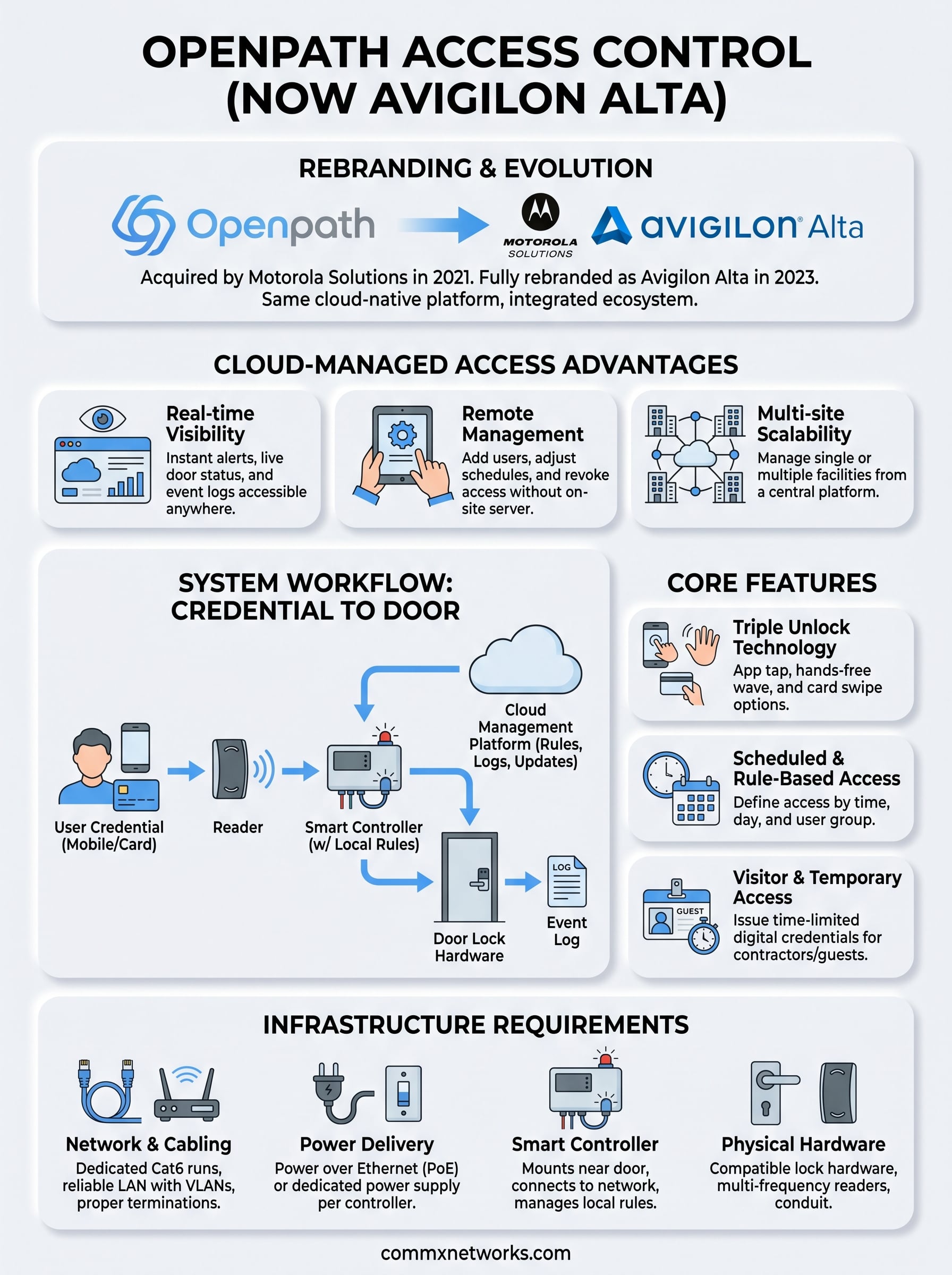
If you search for Openpath access control today, you will find a product that now carries a different name. Motorola Solutions acquired Openpath in 2021, and by 2023 the platform had been fully rebranded as Avigilon Alta. The product still exists and still operates on the same cloud-native foundation, but the name on the hardware, the software portal, and the sales materials has changed. Understanding this rebrand matters before you start evaluating hardware specs, requesting quotes, or planning an installation.
The Motorola Solutions acquisition
Motorola Solutions completed its acquisition of Openpath in June 2021. At the time, Openpath had built a strong reputation in the commercial access control market for its cloud-first architecture and mobile credential technology. Motorola saw it as a natural fit alongside its Avigilon video security portfolio, which the company had already acquired in 2018. Combining the two gave Motorola a more complete physical security stack that covered both video surveillance and access control under one platform.
The integration into Motorola’s ecosystem did not happen overnight. For a period after the acquisition, Openpath continued operating under its original branding while Motorola worked to align the product with Avigilon’s infrastructure. The full Avigilon Alta rebrand rolled out publicly in 2023, which is when customers started seeing the new name on documentation, hardware labels, and the cloud management portal.
If a vendor or installer still refers to the system as "Openpath" rather than "Avigilon Alta," they are describing the same platform, just using the older name.
What changed under Avigilon Alta
The core technology behind the platform did not change significantly with the rebrand. Your cloud management portal, mobile unlock features, and door controller hardware all carried forward from the Openpath era. What changed was the broader product ecosystem the platform now connects to. Under Avigilon Alta, the access control system integrates more directly with Avigilon video cameras and the Avigilon Unity video management system, giving security teams a single pane of glass for both door events and camera footage.
Motorola also expanded the Alta platform’s enterprise capabilities. Multi-site management, advanced identity workflows, and deeper API integrations became more prominent features after the rebrand. For large commercial facilities managing dozens of doors or multiple buildings, those additions matter. The platform still supports the same reader hardware and credential types that made Openpath popular, but it now sits inside a larger security infrastructure product suite.
What the rebrand means for buyers
From a practical standpoint, the rebrand affects where you purchase the product and who supports it. Openpath’s direct sales model has transitioned to Avigilon’s certified partner channel, which means you will work with a certified integrator or an infrastructure contractor rather than purchasing directly through a simple online portal. That is not necessarily a disadvantage. Working with a local contractor means you get someone who can assess your physical facility, pull cable, configure the network, and commission the hardware correctly from the start.
You should also expect all technical documentation, firmware updates, and warranty support to come from Avigilon Alta rather than any Openpath-branded resource. If you purchased an Openpath system before the rebrand, that hardware is still supported, and your management portal has migrated to the Avigilon Alta cloud environment. For new deployments, you will be ordering Alta-branded hardware and setting up an Alta account from day one.
Why cloud-managed access control matters
Traditional access control systems store access logs and user credentials on a local server inside your building. That model works until the server goes offline, gets damaged, or simply can’t scale when you add new doors, buildings, or employees. Cloud-managed systems solve this by moving all configuration, credential management, and event logging to a hosted platform that your team can reach from any browser or mobile device.
Real-time visibility across every door
When a door event happens, whether it’s a valid credential scan, a forced-door alarm, or a held-open alert, a cloud-managed system reports it to your dashboard in seconds. You don’t need someone watching a local monitor in a back office. Facility managers and security teams can review live door status and access logs from a laptop, a phone, or any device with an internet connection.
Cloud-managed access control also gives you a complete audit trail without relying on hardware that sits inside your building and can fail.
That visibility matters especially for multi-building or multi-site operations. If your company manages a warehouse, an office, and a distribution center across Southwest Florida, a cloud platform lets you see activity at all three locations without logging into separate systems. A platform like openpath access control (now Avigilon Alta) was built with this kind of distributed management in mind from day one.
Remote management without on-site hardware limits
On-premise systems require you to physically visit a server or call a technician every time you need to add a new user, revoke a credential, or adjust door schedules. Cloud-managed platforms eliminate that constraint entirely. You make changes in the web management portal, and those changes push to the door controllers over your network within seconds.
This remote capability has direct value when an employee leaves your organization. You can revoke their access immediately without being on-site, which closes the security gap that often exists between someone’s last day and the next scheduled system update. The same applies to temporary contractors or vendors who need access for a specific date range. You set the time window in the portal, and the system handles enforcement automatically.
How Openpath access control works
Openpath access control (now Avigilon Alta) runs on a cloud-native architecture, which means the intelligence of the system lives in a hosted platform rather than a local server at your facility. Every door controller on your network communicates with the cloud over a standard internet connection, and every credential scan, door event, and system alert gets processed and logged through that same connection.
The cloud controller connection
Each door in a typical deployment connects to a smart controller that mounts near the door hardware. That controller handles the actual lock signals and reader communication, but it takes its instructions from the cloud management platform. When you add a user, change an access schedule, or revoke a credential, the cloud pushes that update to every controller on your network automatically.
The controller also operates independently for a period if your internet connection drops, so doors don’t fail open during a brief outage.
This offline resilience is a key design choice. The controller stores a local copy of your access rules and credential list, which means normal door operations continue even without a live cloud connection. Once connectivity restores, the controller syncs any events it logged during the outage back to your cloud dashboard automatically.
What happens at the door
When someone presents a credential at a reader, the reader sends the credential data to the controller in milliseconds. The controller checks that credential against its local rules, decides whether to grant or deny access, and signals the lock accordingly. That entire sequence happens fast enough that the door feels instant to the person standing at it.
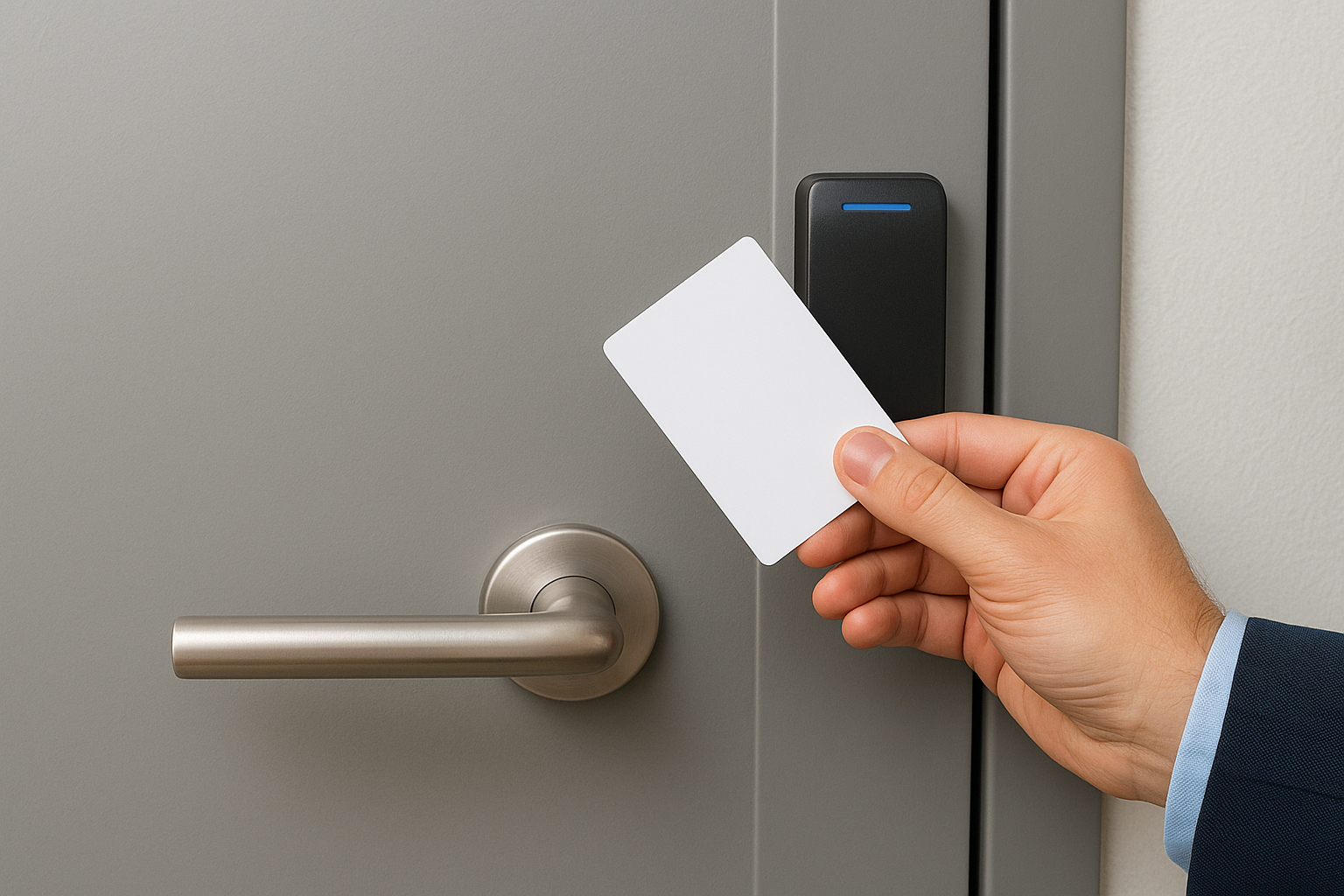
Reader, controller, and lock each connect through wiring that runs back to a central location, typically inside a data closet or IDF room. This is where your physical infrastructure directly affects system performance. Clean cable runs, proper terminations, and reliable power delivery at each controller location determine whether your access control system operates consistently or creates problems during daily use.
How the network fits in
Your controller connects to your local area network using a standard Cat6 connection and reaches the cloud through your building’s internet uplink. Network configuration items including VLANs, firewall rules, and DHCP settings need to account for controller traffic to ensure each unit can communicate with the Avigilon Alta cloud without interruption or packet loss.
Core features to know before you choose it
Before you commit to openpath access control (now Avigilon Alta), understanding the platform’s core features helps you evaluate whether it fits your facility’s specific requirements. The system goes well beyond basic credential scanning, offering layered unlocking methods, scheduled access rules, and short-term visitor management that separate it from older on-premise platforms.
Triple unlock technology
One of the most practical differentiators in the platform is triple unlock technology, which gives users three ways to open a door from a single reader: a mobile app tap, a hands-free wave, or a standard card swipe. Your facility can support all three methods simultaneously, so different users choose the credential type that fits their role. A warehouse worker wearing gloves might prefer the hands-free wave, while an office employee might tap through the mobile app.
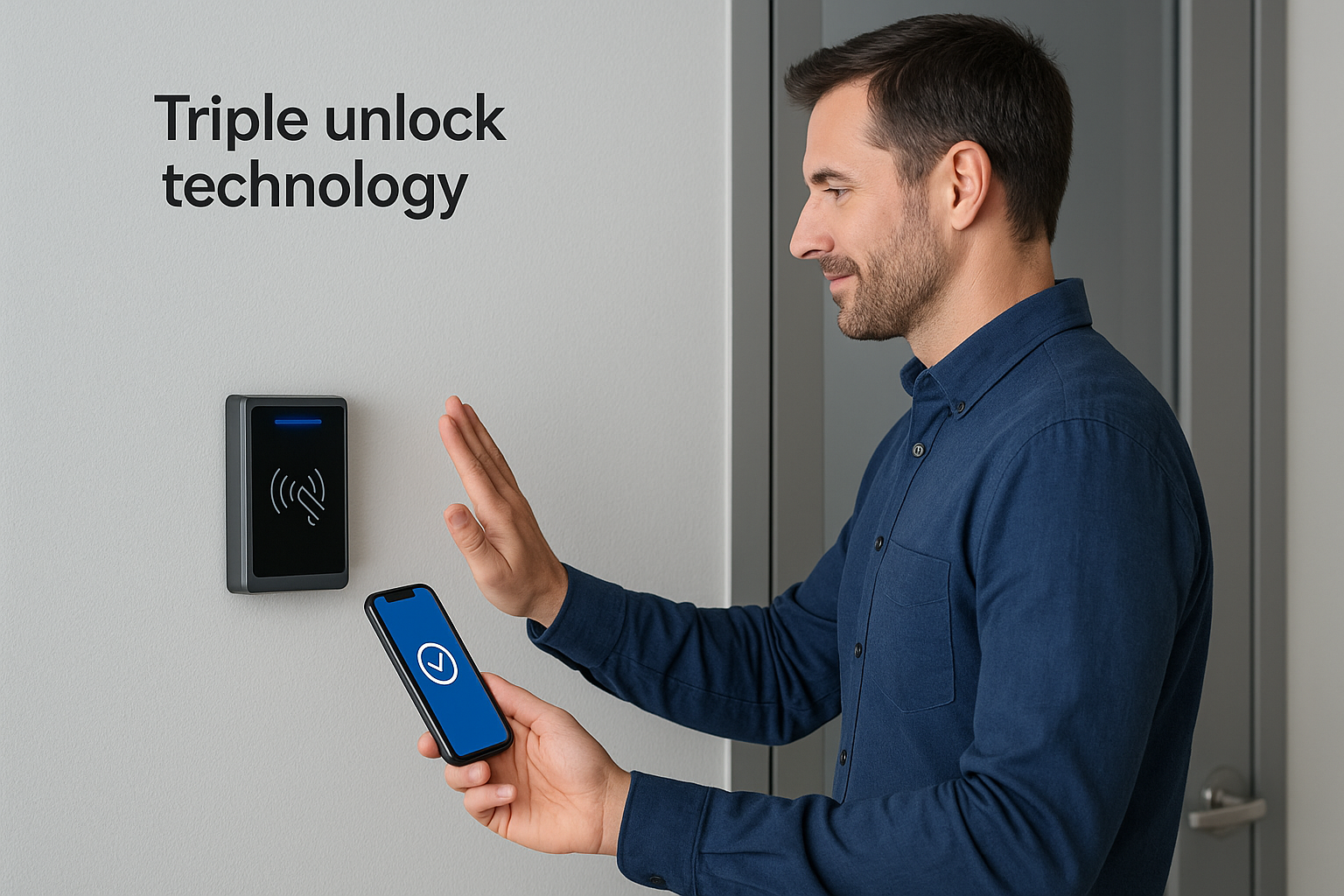
This flexibility also reduces your dependency on physical card issuance. When employees use mobile credentials on their smartphones, you eliminate the cost and administrative overhead of printing, distributing, and replacing physical cards. Lost cards no longer create a security gap because you can revoke a mobile credential from the cloud portal in seconds.
Mobile credentials also give you a full digital audit trail that physical cards simply cannot match.
Scheduled and rule-based access
The platform lets you build detailed access schedules for every door and user group in your system. You can restrict a door to business hours on weekdays, grant a specific team 24-hour access to a server room, or set a contractor’s credentials to expire automatically after a project ends. These time-based rules enforce your security policy without requiring manual intervention every time a schedule needs to change.
Layering rules across multiple locations simultaneously is also straightforward if your organization manages more than one building. Changes you make in the cloud portal push to all affected controllers across your sites at once, which removes the inconsistency that comes from maintaining separate local configurations at each property.
Visitor and temporary access management
Managing short-term access is one of the areas where cloud-based platforms show a clear operational advantage. You can issue time-limited credentials to vendors, contractors, or visitors directly from the portal without physically handing over a card. When the access window expires, the credential deactivates automatically, and the system logs every entry that visitor or contractor made during their window.
Common short-term access scenarios that benefit from this feature include:
- Contractors working a defined project schedule across specific doors
- Delivery personnel who need loading dock access during set hours
- Auditors or inspectors requiring single-day building entry
Hardware you will see in a typical deployment
Every openpath access control deployment relies on a set of physical components that work together at the door level and connect back to your network infrastructure. Knowing what each piece does before installation starts helps you plan the right cable runs, determine your power budget, and avoid surprises when your contractor arrives on-site.
Smart controllers
The smart controller is the brain of each door in your system. It mounts inside a wall enclosure or data closet near the door it manages, connects to your local network over Cat6, and communicates with the Avigilon Alta cloud to receive credential updates and push event logs. Controllers typically support one or two doors per unit, so your total door count determines how many controllers your facility needs.
Controllers store a local copy of your access rules, which keeps doors operating normally during brief internet outages.
Each controller also handles lock output signals and reader communication, so it sits between your network and the physical door hardware. Proper power delivery to the controller location is critical, and most deployments use Power over Ethernet (PoE) or a dedicated 12V/24V power supply depending on the lock type at each door.
Readers and wall plates
Readers mount directly on the wall at each door entry point and handle credential scanning for mobile devices, key fobs, and access cards. The standard Avigilon Alta reader uses multi-frequency RFID technology, which means it reads both legacy 125kHz cards and modern 13.56MHz smart credentials without needing separate hardware for each format.
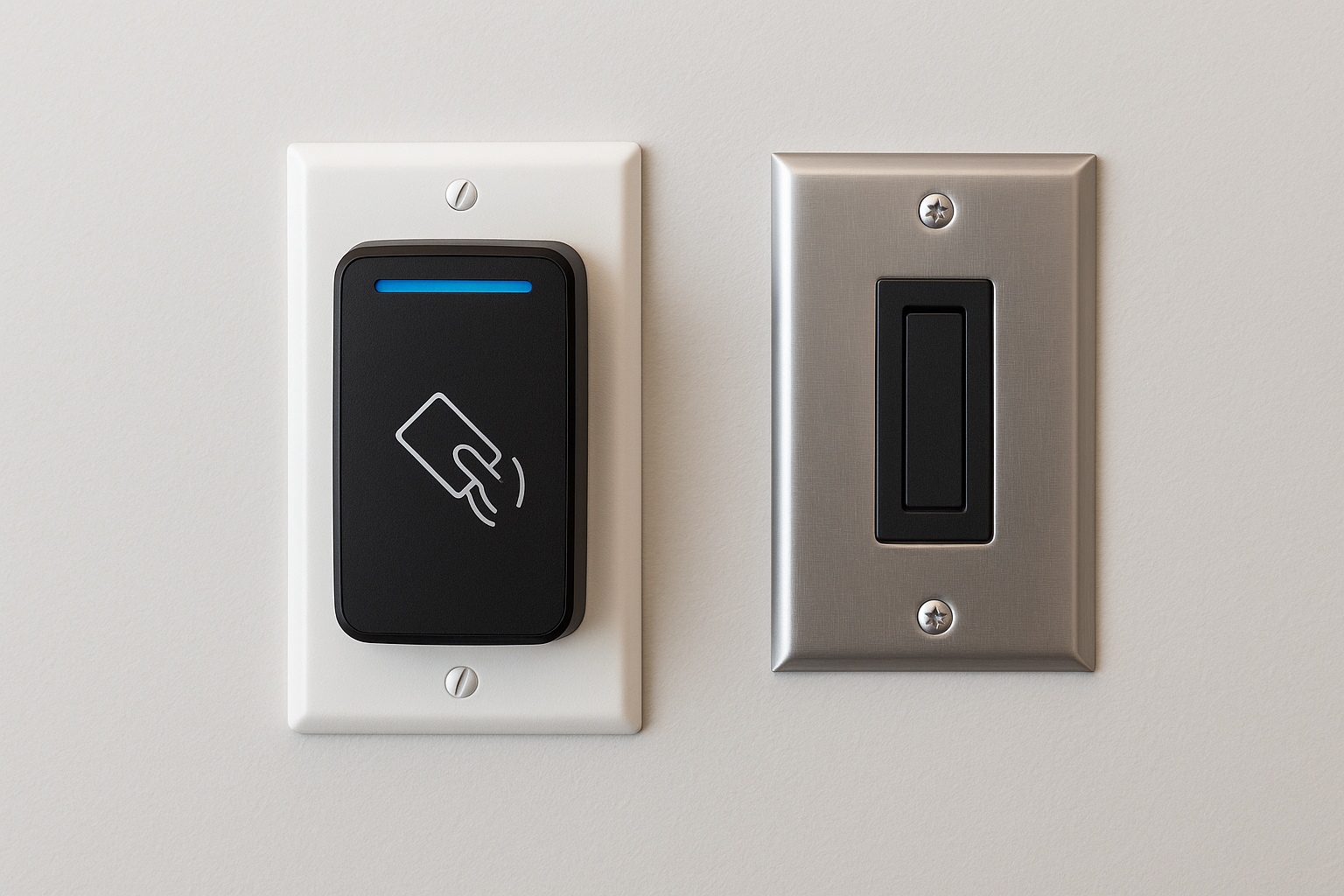
Reader selection depends on your environment. Interior office doors typically use a slim compact reader, while exterior doors, loading docks, and high-traffic entry points often require a weatherproof reader rated for outdoor conditions. Your cabling contractor needs to pull a dedicated cable run from each reader location back to the controller, so mapping reader positions during the planning phase saves significant rework later.
Lock hardware and electric strike options
The controller connects to your lock hardware through a wired output that triggers release when a valid credential is presented. Most commercial deployments use electric strikes or electromagnetic locks that fail-secure by default, meaning the door stays locked if power is cut. Mortise locks, exit device trim, and door position sensors all connect through the same controller wiring, so your infrastructure plan needs to account for each of these termination points at every door in the system.
Credentials, mobile unlock, and identity workflows
How your team interacts with openpath access control every day comes down to credentials: what they carry, how they present it, and how your system manages identities behind the scenes. The Avigilon Alta platform supports multiple credential types simultaneously, so you can run mobile unlocks, physical cards, and key fobs across the same doors without needing separate reader hardware for each format.
Mobile credentials and the smartphone unlock flow
The Avigilon Alta mobile app turns an employee’s smartphone into their primary access credential. When they approach a reader, the app communicates over Bluetooth Low Energy or NFC depending on the reader configuration and how close the user holds their phone. This happens fast enough that most users experience no noticeable delay at the door compared to tapping a physical card.
Mobile credentials give you a clear advantage when someone leaves your organization: you revoke their access from the cloud portal in seconds, and their phone simply stops working at every door on your system.
Your team can also configure hands-free unlock, which uses motion detection to trigger the credential presentation automatically when someone walks toward a reader. This feature works especially well in high-traffic loading dock areas or anywhere employees frequently carry equipment and cannot reach into a pocket to tap their phone.
Identity provisioning and deprovisioning
Managing who has access to which doors starts in the Avigilon Alta cloud portal, where you create user profiles, assign access groups, and set the credential type each person uses. When a new employee joins, you provision their mobile credential or physical card directly from the portal and assign them to the appropriate access group in minutes. No on-site visit to a local server is required.
Deprovisioning follows the same straightforward process. The steps below reflect the standard identity removal workflow:
- Locate the user profile in the cloud portal
- Remove them from all assigned access groups
- Revoke their active credential (mobile or physical)
- Confirm the change pushed to all affected controllers
This workflow prevents the gap that many facilities create when they retire a physical card slowly or forget to update a local server. With cloud-managed identity control, every door on your network reflects the updated access rules within seconds of the change you make in the portal.
Network, cabling, and power requirements
Openpath access control (now Avigilon Alta) runs on your building’s network, which means the quality of your physical infrastructure directly determines how reliably every door on your system performs. Before any controller mounts to a wall, you need a clear picture of what the network, cabling, and power layers must deliver to keep the platform stable under daily use.
LAN configuration for door controllers
Each door controller connects to your local area network over a standard Cat6 run and reaches the Avigilon Alta cloud through your building’s internet uplink. Your network team needs to assign controllers to a dedicated VLAN that separates access control traffic from general office data, which reduces the risk of congestion affecting door response times during peak hours.
Firewall rules must allow outbound controller traffic to reach Avigilon Alta cloud endpoints, so confirm those rules are in place before commissioning any hardware.
DHCP reservations or static IP assignments for each controller also make ongoing management easier. When a controller always presents the same IP address, your IT team can monitor it directly and identify connectivity issues without guessing which device is which on the network map.
Cable runs and termination standards
Your cabling contractor needs to pull a dedicated Cat6 run from each controller location back to the nearest IDF or data closet. Readers connect to controllers through their own wired runs, typically using 18/4 or 22/4 shielded cable depending on the distance and the reader model specified for your project. Longer runs that exceed standard distance limits for low-voltage reader cable require careful planning during the design phase to avoid signal degradation at the reader end.
Every termination point, whether at a patch panel, controller port, or reader connection, needs to meet TIA-568 standards for commercial structured cabling. Sloppy terminations create intermittent failures that are difficult to diagnose after walls are closed and hardware is mounted.
Power delivery at the controller
Controllers typically receive power through Power over Ethernet (PoE) from a PoE-capable switch in your IDF, or through a dedicated 12V or 24V power supply installed near the controller enclosure. Your lock hardware type determines which power method fits best, since electromagnetic locks draw more current than most electric strikes and may require a separate power supply rather than relying on PoE alone.
Plan your power budget per controller location before installation begins so your electrician and low-voltage contractor coordinate correctly on the first visit.
How to plan and set up an Openpath system
Setting up openpath access control (now Avigilon Alta) starts well before any hardware ships to your site. A successful deployment depends on completing your site survey, infrastructure design, and network preparation in the correct sequence, because errors in the planning phase create rework costs after equipment is already mounted and wired.
Start with a door count and site survey
Your first step is walking every door, gate, and restricted entry point you want to control and documenting the conditions at each location. Note existing lock hardware, conduit availability, and the distance from each door back to the nearest IDF or data closet. That information drives your cable pull schedule, your controller count, and your power budget. Skipping this step and guessing at quantities almost always results in materials shortages or controller placements that don’t match the actual facility layout.
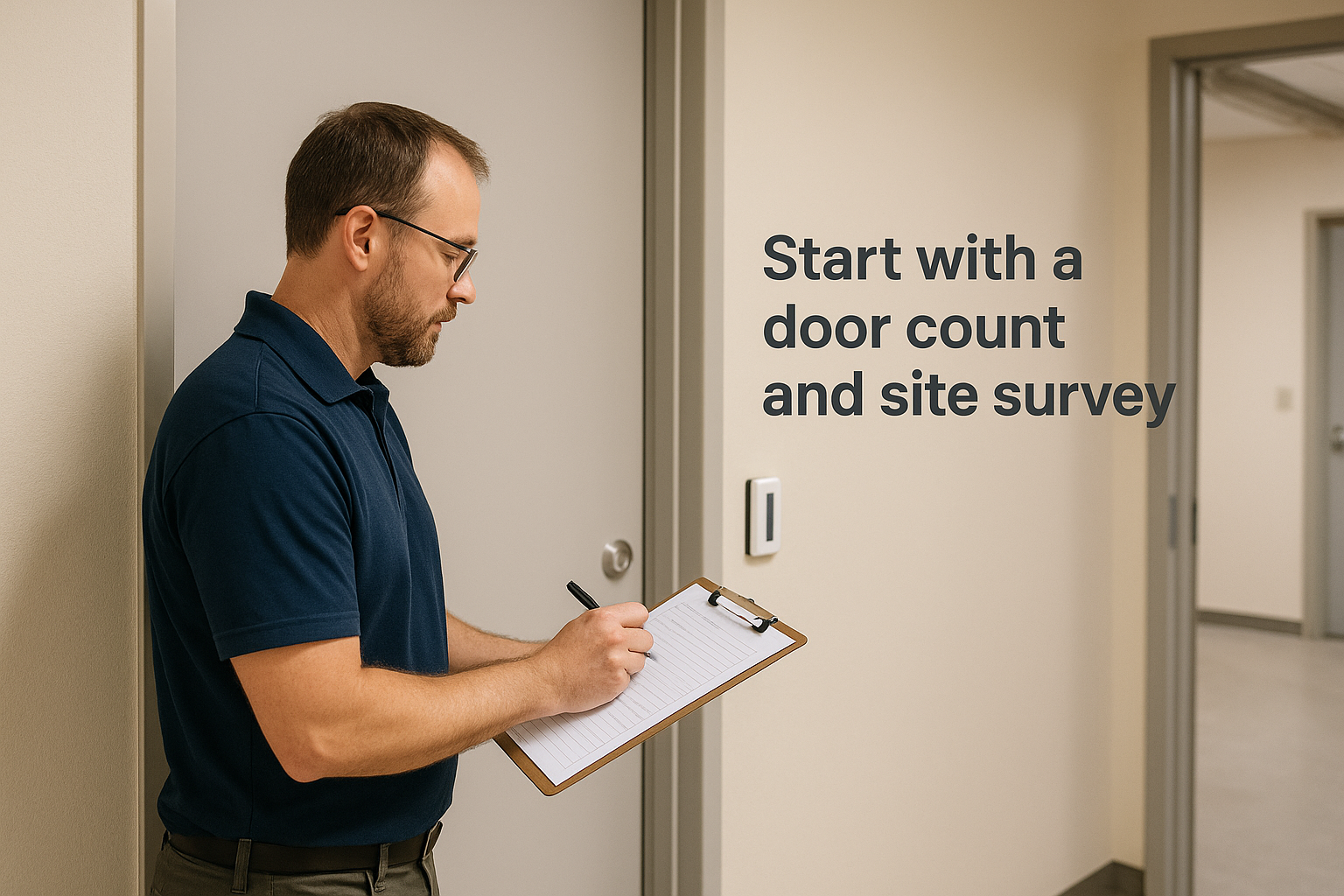
A complete site survey should capture the following for each door:
- Door type and current lock hardware
- Reader mounting surface and conduit access
- Distance to the nearest controller location
- Power source availability for the lock and controller
- Network drop presence or need for a new Cat6 run
Coordinate your cabling and network before hardware arrives
Once your door list is finalized, your low-voltage cabling contractor and network team need to work from the same plan. Cable runs for readers and controllers should be pulled and terminated before controllers mount to walls, not after. Your network team needs to configure the VLAN, DHCP reservations, and firewall rules for controller traffic ahead of commissioning day so you aren’t troubleshooting connectivity issues while standing in a mechanical room.
Getting your physical infrastructure ready before hardware arrives cuts your commissioning time significantly and prevents the most common delays on access control projects.
Commission and test each door
After controllers are mounted, powered, and connected to your network, the commissioning process involves claiming each controller in the Avigilon Alta portal and confirming it communicates with the cloud. From there, you assign access rules, load your initial user list, and issue credentials. Test every door individually by presenting a valid credential, verifying the lock releases, and confirming the event appears in your cloud dashboard within seconds. Document any door that fails the test before your contractor leaves the site.
Integrations and legacy system migration
Openpath access control (now Avigilon Alta) connects to other security and business systems through its open API and certified integration partners, which means you don’t have to treat access control as a standalone platform. Whether you’re adding it to an existing video surveillance setup or replacing an aging on-premise system, the platform is designed to fit inside a broader infrastructure rather than sit separate from it.
Connecting to video and IT systems
The most direct integration available on the Avigilon Alta platform is with Avigilon Unity Video, Motorola’s video management system. When you link the two platforms, door events in your access control portal automatically associate with camera footage from the nearest camera at that door. Your security team can review a failed credential attempt or forced-door alarm and pull the corresponding video clip from the same interface without switching between two separate systems.
This pairing between door events and camera footage reduces the time your team spends investigating incidents and cuts down on the manual work of cross-referencing logs.
Beyond video, the platform connects to HR and identity management systems through its API. If your organization uses an HR platform to track employee status, you can configure automated provisioning workflows that create or revoke access credentials when employee records change. That removes the manual step of updating access control separately every time someone joins or leaves your organization.
Migrating from an older on-premise system
Replacing a legacy on-premise access control system with Avigilon Alta requires more than swapping hardware at each door. Your existing credential formats, user database, and door schedules need to translate into the new platform before you decommission the old one. The steps below outline the migration sequence most facilities follow:
- Export your user list and access group assignments from the legacy system
- Audit each door for compatibility with Alta reader and controller hardware
- Pull new cable runs where existing wiring doesn’t meet Cat6 or low-voltage standards
- Import users into the Avigilon Alta portal and issue new credentials
- Commission and test each door before removing the old system
Running both systems in parallel for a short period during cutover reduces the risk of access gaps. Your cabling contractor and IT team need to coordinate closely during this window to keep every door operational throughout the transition.
Next steps for your site
Openpath access control, now running under the Avigilon Alta brand, gives your facility real-time visibility, flexible mobile credentials, and cloud-managed door control that scales with your operation. Getting the most out of the platform requires solid physical infrastructure underneath it, clean Cat6 runs, properly terminated low-voltage cabling, a configured network VLAN, and reliable power at every controller location.
Before you request hardware quotes or start scheduling an installation, audit your current cabling and network setup against the requirements this article covers. Gaps in your physical layer will create problems during commissioning that cost more to fix after walls are closed and hardware is mounted.
CommX Networks doesn’t sell or install access control systems. If your Southwest Florida facility needs structured cabling, network infrastructure or commercial security cameras, call (239) 322-6340 or contact our team for a site assessment.